
Available on backorder
DescriptionThe Creative Aurvana Ace 3 true wireless earbuds pair an xMEMS solid-state driver with…
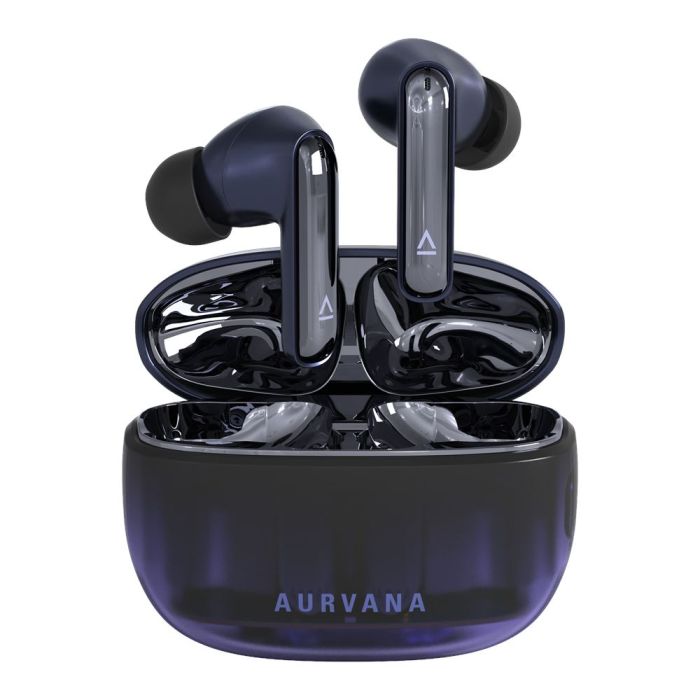
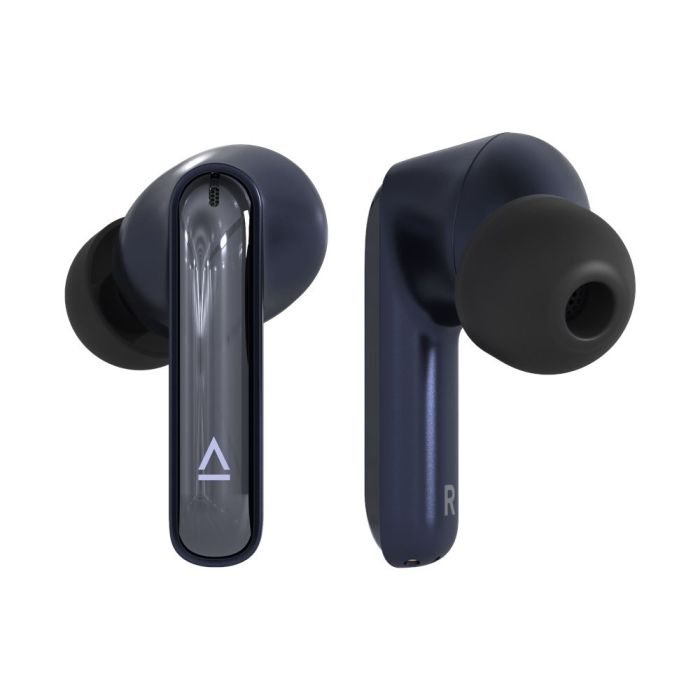
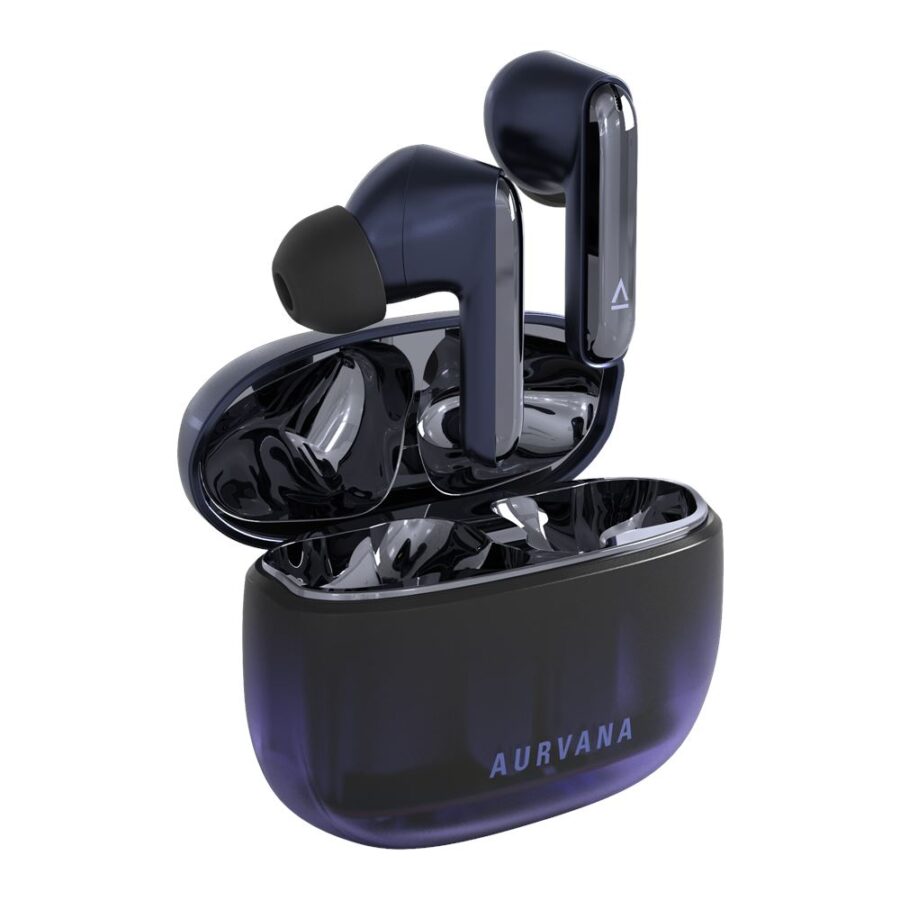
The Creative Aurvana Ace 3 true wireless earbuds pair an xMEMS solid-state driver with a custom-tuned 10 mm dynamic driver, aiming to cover high-frequency detail and low-end weight from a single in-ear design. They run Bluetooth 5.4 with LE Audio and Auracast, support Snapdragon Sound aptX Lossless and LDAC, and recharge to a combined 26 hours of playback with the case.
What the dual-driver xMEMS setup and audio features bring
- Mimi Sound Personalization: builds a hearing-tailored sound profile through the Creative App.
- Hybrid Adaptive ANC: adapts noise cancellation to your surroundings, with Ambient Mode when you need to hear around you.
- High-resolution codecs: supports Snapdragon Sound aptX Lossless and LDAC for supported source devices.
- Wear detection: pauses playback when an earbud is removed and resumes on reinsertion.
- Water resistance: IPX5 rating on the earbuds.
- SXFI Ready: supports the Super X-Fi multi-speaker experience for locally downloaded files.
Core specifications
- Connectivity: Bluetooth 5.4, LE Audio and Auracast.
- Battery life: up to 26 hours total; up to 7 hours per charge at moderate volume.
- Charging: USB-C wired and Qi-compatible wireless charging; wireless charging pad not included.
- Codecs: AAC, SBC, LC3, aptX Adaptive, aptX Lossless and LDAC.
- Microphones: three omnidirectional MEMS microphones per earbud; sensitivity −42 dBV/Pa.
- Controls: touch controls for playback, volume, calls, voice assistant and noise control.
- Weight: 4.75 g per earbud; charging case 43 g.
- Dimensions: earbuds 35 × 23.7 × 26.1 mm; case 64.7 × 49.1 × 27 mm.
App setup and daily use
The Creative App is required for Mimi Sound Personalization and advanced settings. To pair, open the case and select Aurvana Ace 3 in your device's Bluetooth menu. For personalization, download the app, run the hearing test and save your sound profile. Place the earbuds in the case to charge; wireless charging uses a Qi-compatible pad; Creative recommends at least 5 W.
Questions & answers
How do I charge the Aurvana Ace 3 earbuds?
Use USB-C wired charging, or place the case on a Qi-compatible pad; Creative recommends at least 5 W. A wireless charging pad is not included.
Do I need the Creative App?
Yes, for Mimi Sound Personalization and advanced settings. Basic pairing works without it by selecting Aurvana Ace 3 in your device's Bluetooth menu.
Which codecs does it support?
AAC, SBC, LC3, aptX Adaptive, aptX Lossless and LDAC. Actual codec depends on the connected source device.
Delivery and returnsArrives tomorrow, Thu 12 Nov if you order by 2pm
Customers who viewed this also viewed
Compare and upgrade