

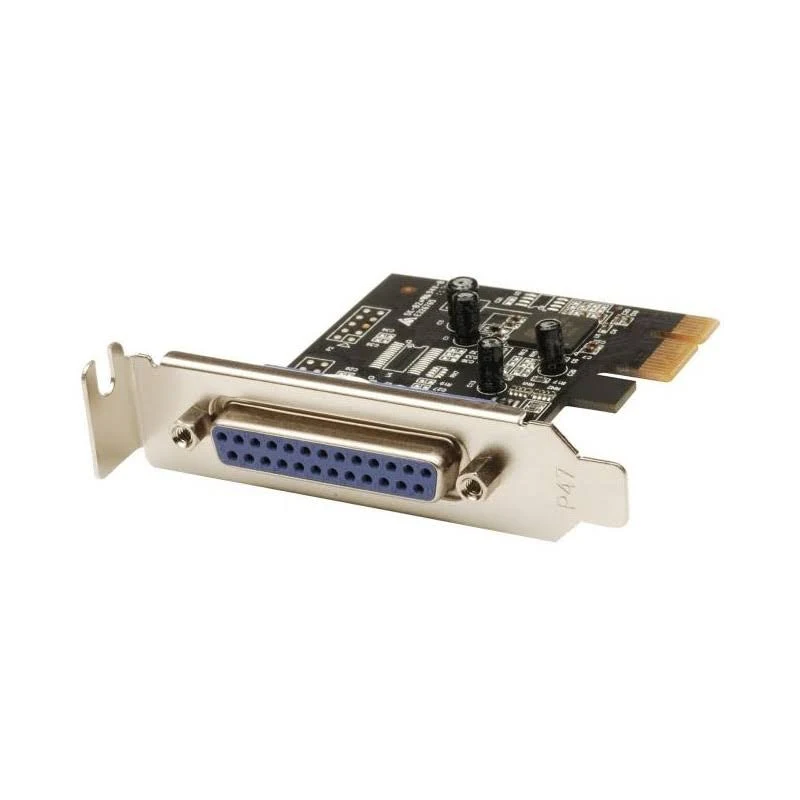
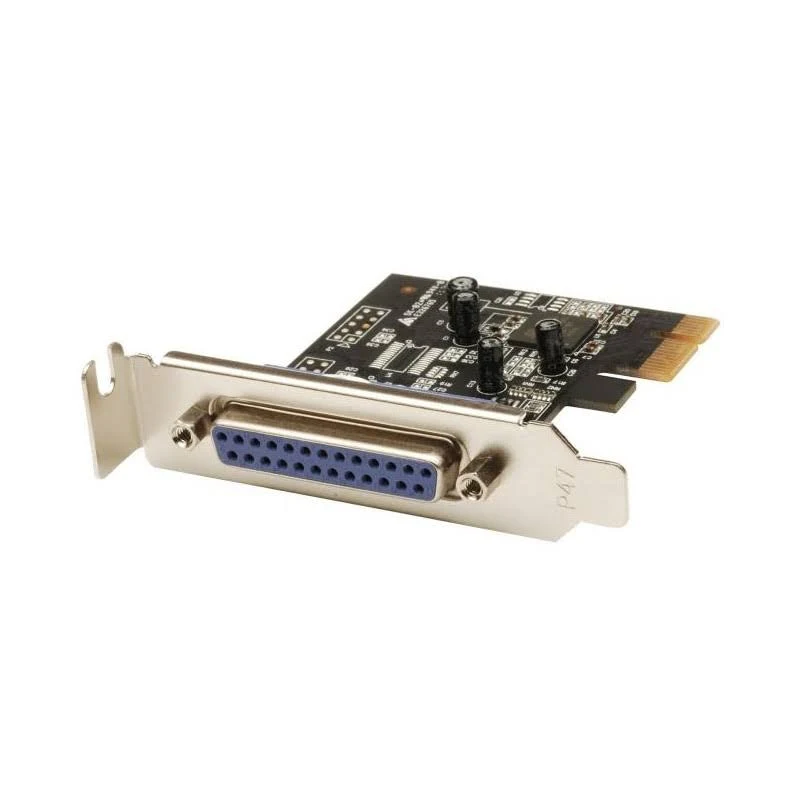
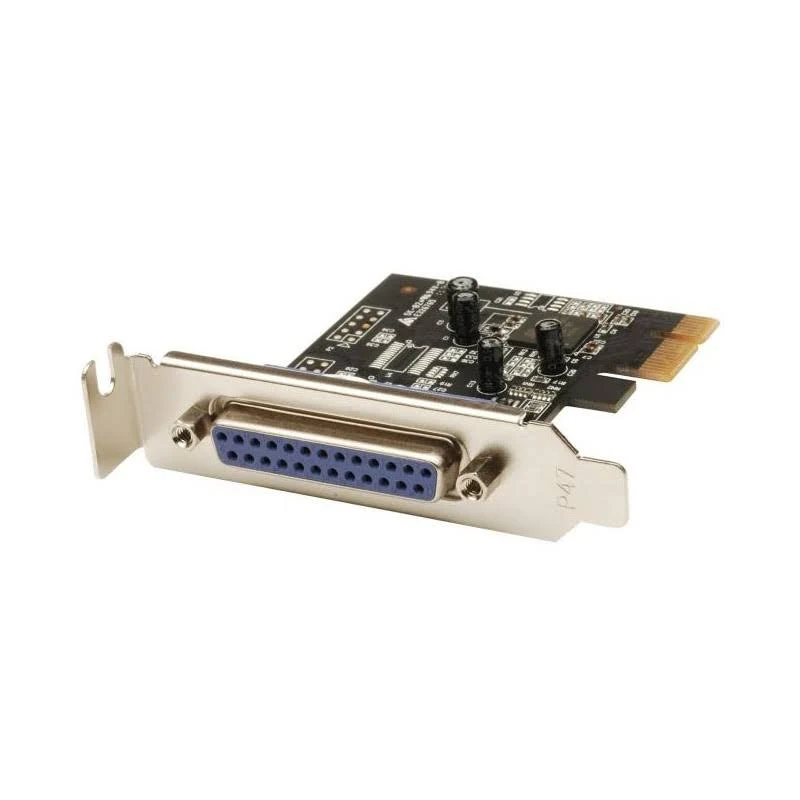
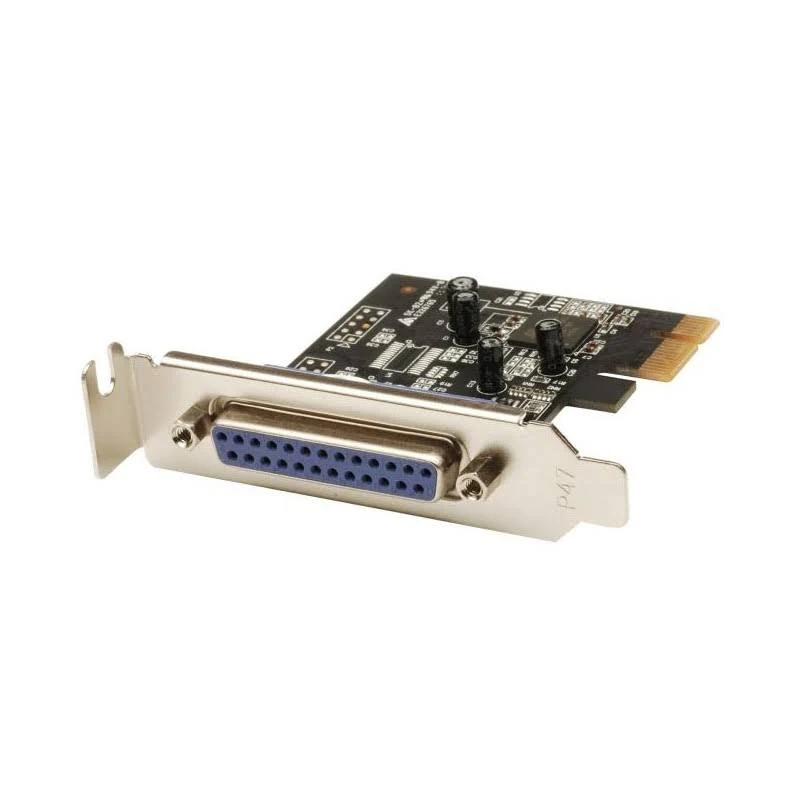
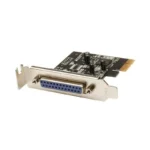
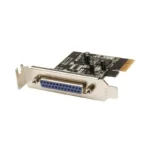
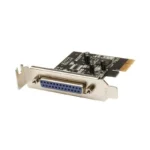
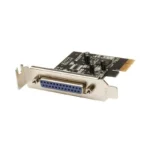

StarTech.com 1-Port Parallel PCIe Card – Printer LPT Adapter
Original price was: $55.40.$44.99Current price is: $44.99.
Add a DB25 parallel port to your desktop with this PCI Express card. Ideal for printers, scanners, and more! Includes both full and low-profile brackets.
4 in stock
Connect your legacy parallel devices to your modern computer with the StarTech.com 1-Port Parallel PCIe Card. This PCI Express to Parallel DB25 LPT Adapter Card (PEX1P2) easily installs into an available PCIe x1 slot, providing a convenient way to add a parallel port to your desktop. It’s perfect for connecting printers, scanners, plotters, point-of-sale (POS) terminals, PLCs, scientific sensors, medical equipment, and oscilloscopes.
This adapter card is designed for anyone needing to connect older parallel devices to a newer computer system. Whether you’re in a factory automating equipment or in a lab using scientific instruments, this card offers a reliable solution.
Best Features:
- Adds a Parallel Port: Connect DB25 parallel devices to your desktop computer via a PCI Express slot.
- Wide Compatibility: Works with Windows (XP and up), Windows Server (2003 and up), and Linux (2.6.X and up).
- Flexible Installation: Includes both full-profile and low-profile brackets for installation in various systems.
- High-Speed Performance: Supports SPP/Byte/Nibble/ECP modes and is compatible with IEEE 1284 for speeds up to 2.5Mbps.
- Durable Construction: Features an Asix AX99100 chip for reliable performance.
Technical Specifications:
- Ports: 1 x DB25 Parallel Port
- Interface: PCI Express 2.0 x1
- Chipset: Asix AX99100
- Data Transfer Rate: Up to 2.5 Mbps
- Supported Modes: SPP/Byte/Nibble/ECP
- IEEE 1284 Compatible: Yes
- OS Compatibility: Windows XP and up, Windows Server 2003 and up, Linux 2.6.X and up
- Form Factor: Plug-in Card (Half-height/Low-profile)
- MTBF: 958,000 hours
Warranty & Support:
The StarTech.com PEX1P2 is backed by a 2-year warranty. StarTech.com also provides free 24/5 multi-lingual North American based technical support.
How to Use:
1. Power off your computer and disconnect the power cable.
2. Install the card into an available PCI Express x1 slot.
3. Secure the bracket to the rear of the computer case.
4. Reconnect the power cable and power on your computer.
5. Install the necessary drivers, which can be found on the StarTech.com website.
6. Connect your parallel device to the DB25 port.
Bring your legacy devices into the modern era with the StarTech.com 1-Port Parallel PCIe Card. Buy yours today!
Only logged in customers who have purchased this product may leave a review.








Reviews
There are no reviews yet.