

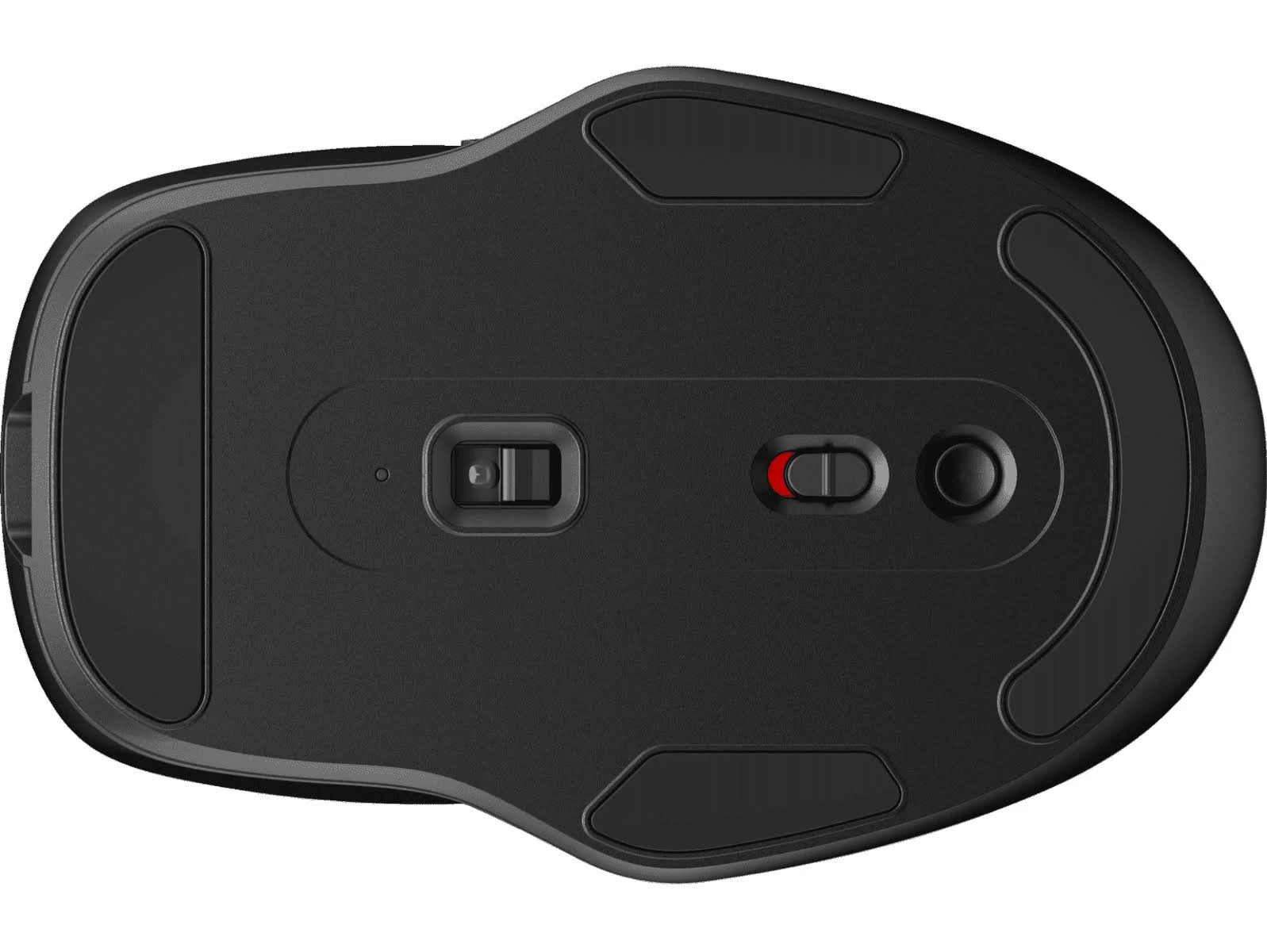
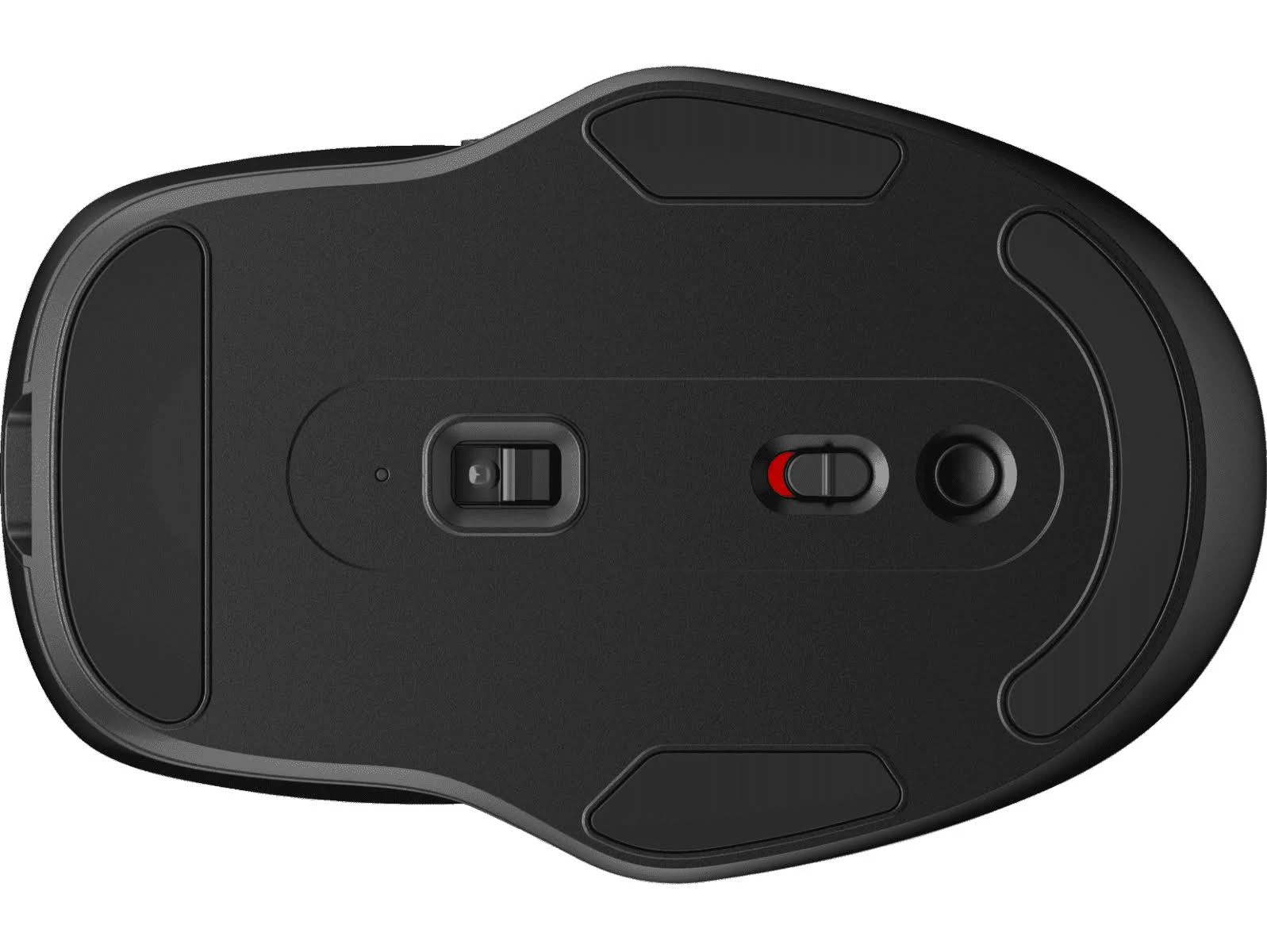
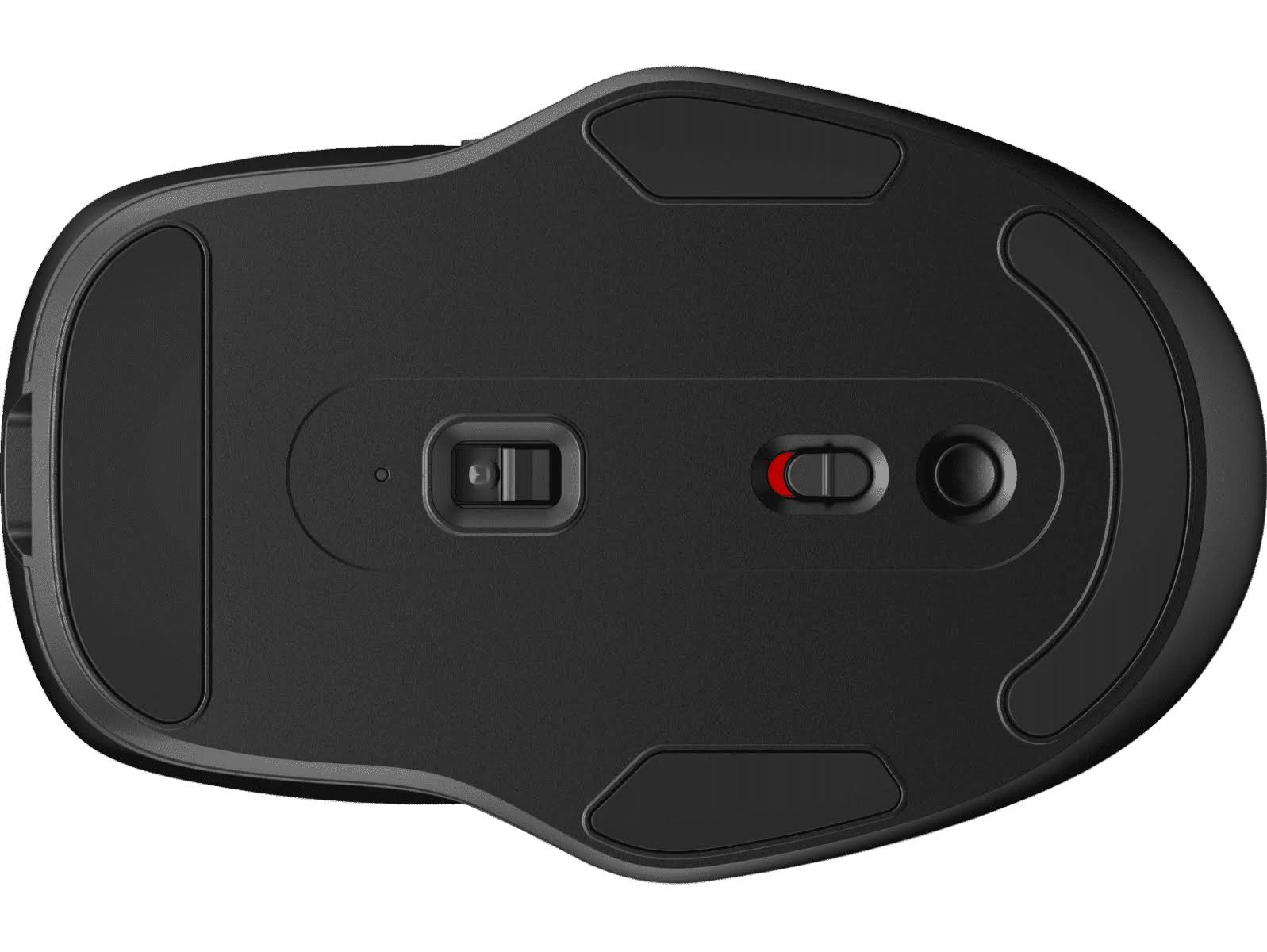
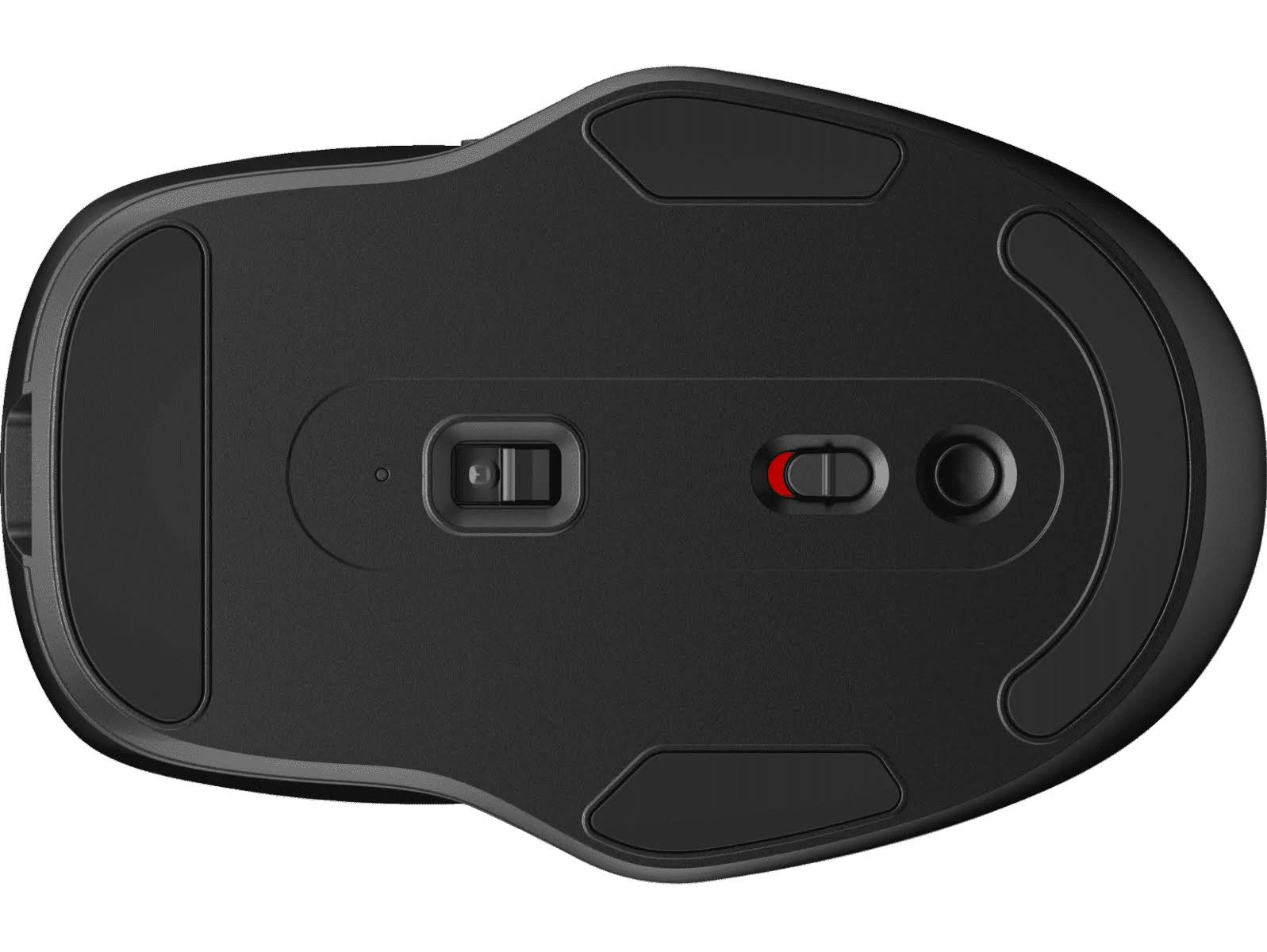
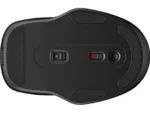

HP 410 Slim Bluetooth Mouse – Ash Silver: Wireless Comfort
Original price was: $42.30.$34.99Current price is: $34.99.
Enjoy wireless freedom with the HP 410 Slim Bluetooth Mouse. Its slim design, long battery life, and multi-surface tracking make it perfect for on-the-go pro
2 in stock
Meet the HP 410 Slim Bluetooth Mouse in Ash Silver – your sleek and reliable companion for everyday computing. This mouse combines a stylish design with the convenience of Bluetooth connectivity, making it perfect for anyone seeking a clutter-free workspace or a portable solution for on-the-go productivity. Whether you’re working from home, in the office, or traveling, the HP 410 Slim delivers a comfortable and efficient experience.
Best Features:
- Bluetooth 5.0 Connectivity: Enjoy a stable and efficient wireless connection without the need for a dongle.
- Long Battery Life: Work without interruption thanks to up to 12 months of battery life on a single AA battery.
- Multi-Surface Tracking: The accurate and adaptable sensor works on almost any surface.
- Slim and Ambidextrous Design: A comfortable fit for both left and right-handed users, with a slim profile that’s easy to carry.
- Works With Chromebook Certified: Ensures seamless compatibility and optimized performance with Chromebook devices.
Technical Specifications:
- Connection Type: Bluetooth 5.0
- Wireless Range: Up to 32.81 ft (10 m) in open area
- Sensor Technology: Multi-Surface Tracking
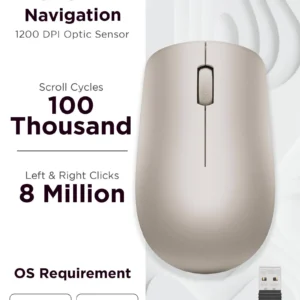
- Resolution: Up to 1600 dpi (up to 2000 dpi reported)
- Buttons: 3 (left, right, scroll wheel with click)
- Battery Type: 1 x AA
- Battery Life: Up to 12 months
- Dimensions: 4 x 2.54 x 0.99 in (101.72 x 64.61 x 25.91 mm)
- Weight: 0.098 lb (0.045 kg)
- Color: Ash Silver
Compatibility & System Requirements:
- Windows 10, Windows 11
- macOS
- Chrome OS
- iPadOS
- Android
- Bluetooth enabled device
Included Accessories and Components:
- HP 410 Slim Bluetooth Mouse
- Quick Start Guide
- Warranty Card
- 1 x AA Battery
Warranty & Support:
- Standard Warranty: HP standard One-year limited warranty
- Support Channels: HP Support website, online documentation, and community forums
How to Use:
- Insert the included AA battery into the mouse.
- Turn on the mouse using the power switch.
- Enable Bluetooth on your computer or device.
- Search for available Bluetooth devices and select “HP 410 Slim Mouse”.
- Follow any on-screen prompts to complete the pairing process.
- Start using your mouse!
Upgrade your workspace with the HP 410 Slim Bluetooth Mouse. Its blend of style, comfort, and reliable performance makes it an excellent choice for anyone seeking a dependable wireless mouse. Don’t miss out – add it to your cart today!
Only logged in customers who have purchased this product may leave a review.









Reviews
There are no reviews yet.