

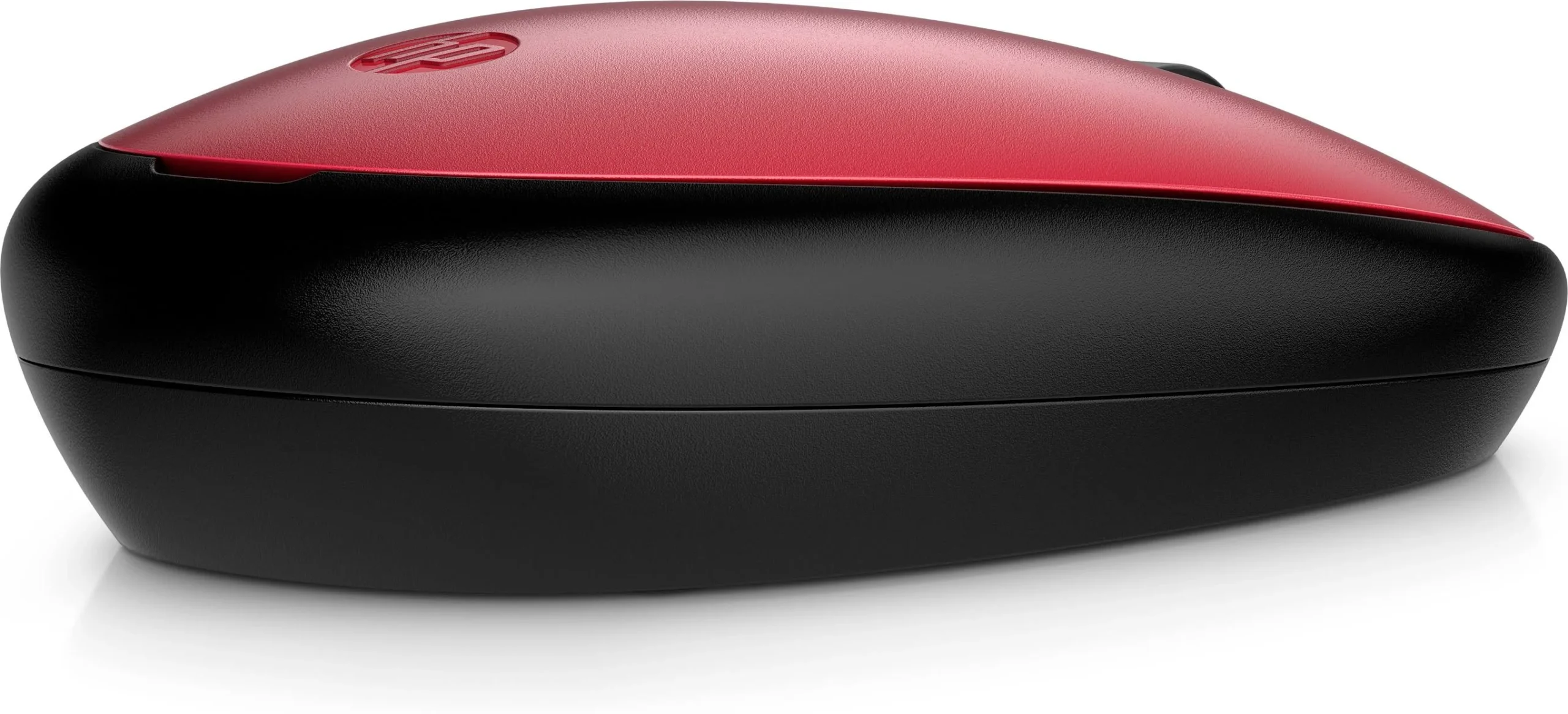
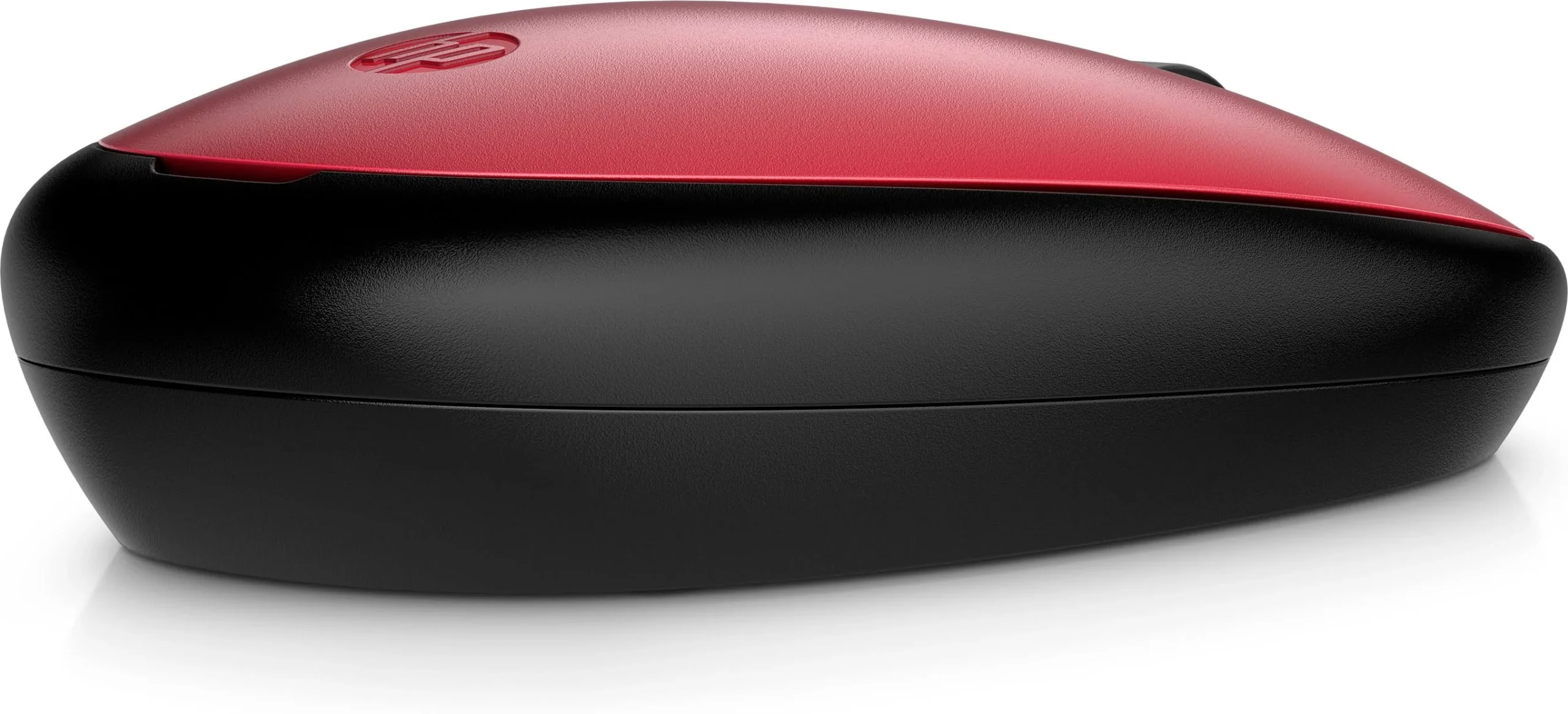
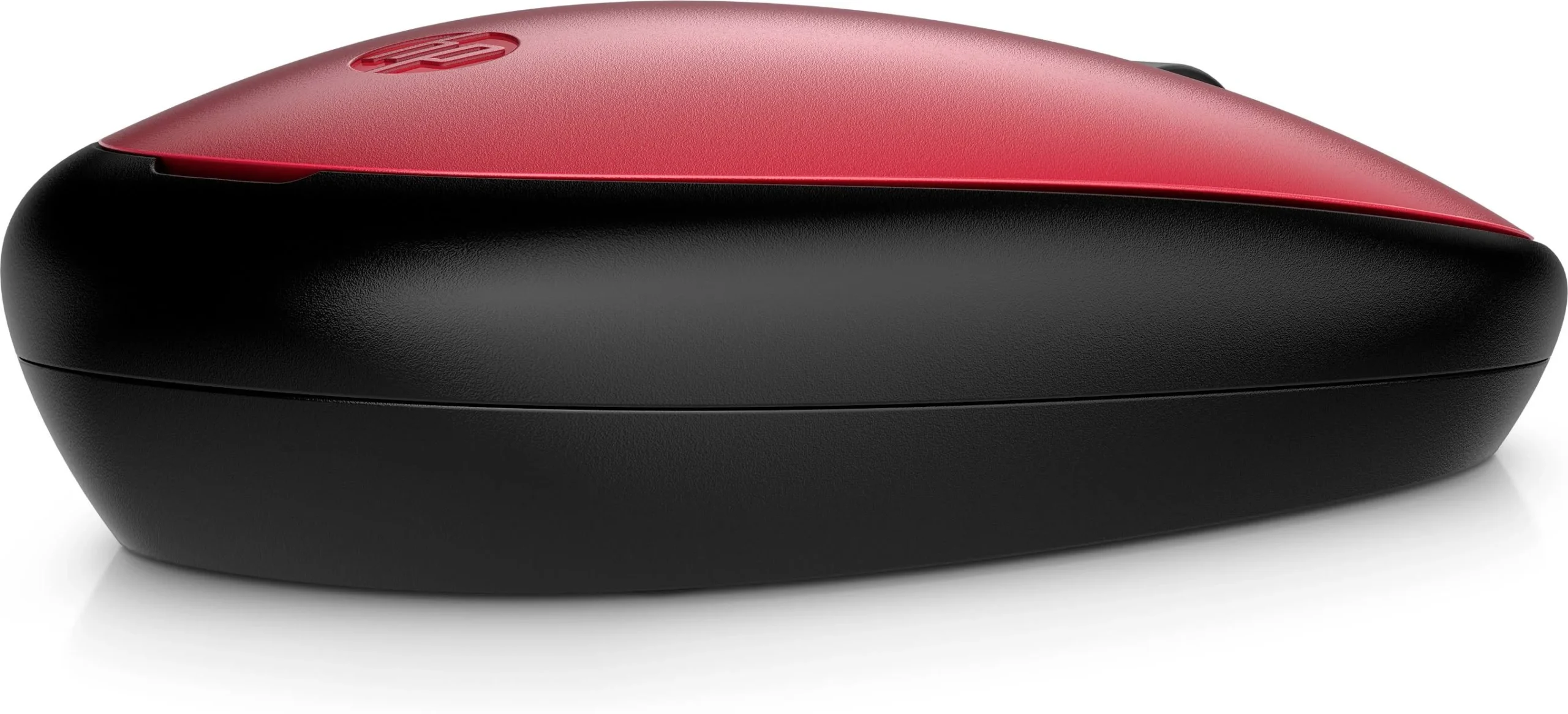
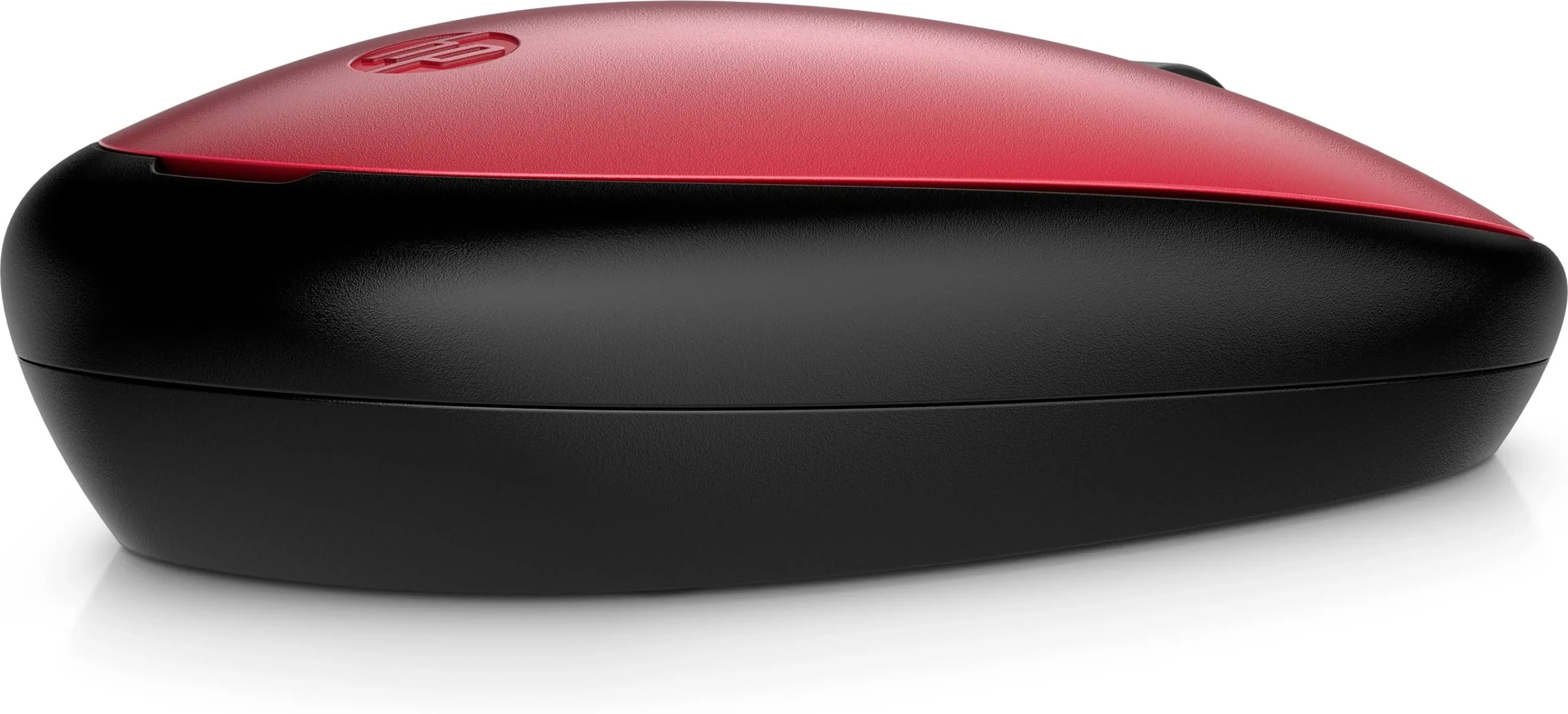
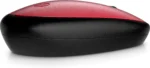
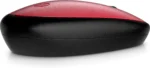
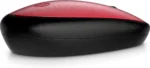
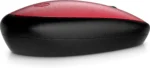


HP 240 Red Bluetooth Mouse: Wireless Freedom in Style
Original price was: $24.12.$19.99Current price is: $19.99.
Enjoy seamless wireless connectivity with the HP 240 Red Bluetooth Mouse. Its 1600 DPI optical sensor ensures smooth, accurate tracking. Ambidextrous design
68 in stock
Looking for a reliable and stylish wireless mouse? The HP 240 Red Bluetooth Mouse is perfect for anyone who wants a hassle-free computing experience. With its vibrant Empire Red color and comfortable design, this mouse is ideal for both home and office use. Enjoy the freedom of Bluetooth connectivity and precise tracking in a sleek, ambidextrous design.
Best Features:
- Bluetooth 5.1 Connectivity: Ditch the dongle and enjoy a stable, energy-efficient wireless connection.
- 1600 DPI Optical Sensor: Experience smooth and accurate tracking for precise cursor control.
- Ambidextrous Design: Comfortable for both left- and right-handed users.
- Stylish Empire Red Color: Add a pop of color to your workspace with this eye-catching red mouse.
- Long Battery Life: Enjoy up to 15 months of battery life on a single AA battery.
- Three Buttons and Scroll Wheel: Navigate with ease using the three buttons and integrated scroll wheel.
Technical Specifications:
- Connection Type: Bluetooth 5.1
- Wireless Range: Up to 32.81 ft (10 m) in open area
- Sensor Technology: Red optical tracking
- Resolution: 1600 DPI
- Buttons: 3 (left, right, scroll wheel with middle click)
- Battery Type: 1 x AA
- Battery Life: Up to 15 months
- Color: Empire Red
- Dimensions: 4.21 x 2.38 x 1.15 in (107 x 60.5 x 29.31 mm)
- Weight: 0.12 lb (0.0542 kg)
- Operating Systems: Windows 10, Windows 11, macOS, Chrome OS
Warranty & Support:
- Standard Warranty: HP standard One-year limited warranty
- Support Channels: HP Support website, online documentation, and community forums.
- Additional Support: Check with your retailer for extended warranty or protection plan options.
How to Use:
- Insert 1 AA battery into the mouse.
- Turn on the mouse using the power switch on the bottom.
- Enable Bluetooth on your computer.
- Search for available Bluetooth devices and select “HP 240 Mouse”.
- Follow any on-screen instructions to complete the pairing process.
- Start using your new HP 240 Red Bluetooth Mouse!
Upgrade your workspace with the HP 240 Red Bluetooth Mouse and enjoy a blend of style, comfort, and performance. Order yours today and experience the difference!
Only logged in customers who have purchased this product may leave a review.









Reviews
There are no reviews yet.