

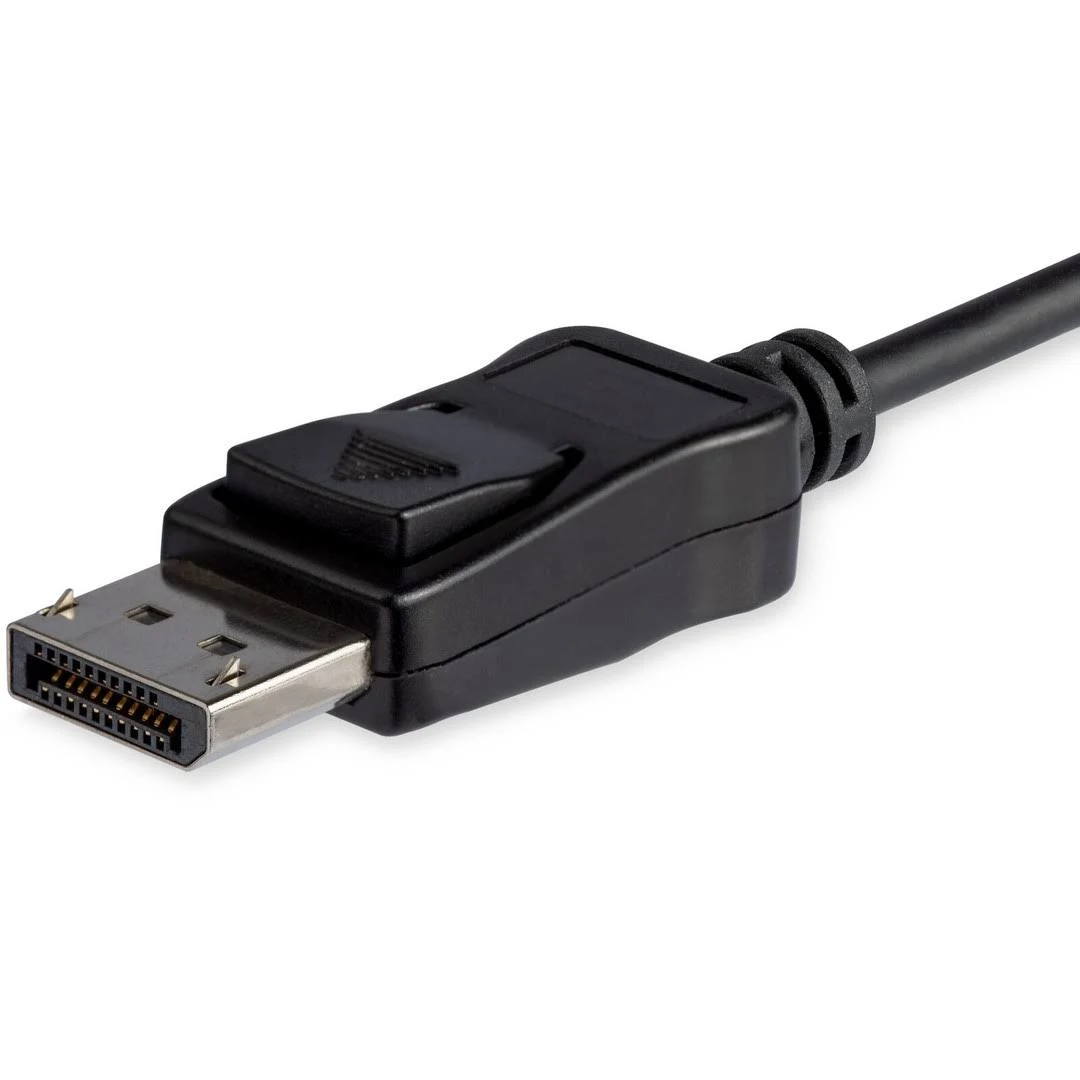


StarTech.com 8K USB-C to DisplayPort 1.4 Adapter Cable – 6ft
Original price was: $47.34.$38.79Current price is: $38.79.
Connect your USB-C device to an 8K DisplayPort monitor with this 6ft cable. Supports up to 8K 60Hz, HDR, and HBR3 for stunning visuals and reliable performance. Perfect for home, office, and gaming!
30 in stock
Unlock the full potential of your USB-C devices with the StarTech.com 8K USB-C to DisplayPort 1.4 Adapter Cable. This 1.8-meter (6ft) cable seamlessly connects your USB Type-C or Thunderbolt 3 enabled device, such as a laptop, tablet, or smartphone, to a DisplayPort monitor or display. Experience stunning visuals with support for up to 8K resolution at 60Hz, making it ideal for content creators, gamers, and anyone who demands the highest quality display.
Best Features:
- Incredible 8K Resolution: Supports Ultra HD resolutions up to 7680×4320 at 60Hz, providing four times the resolution of 4K.
- High Bandwidth Support: Features HBR3 (High Bit Rate 3) for a bandwidth of up to 32.4Gbps, ensuring smooth and stable video transmission.
- HDR (High Dynamic Range): Supports HDR for enhanced color and contrast, bringing your visuals to life.
- DisplayPort 1.4 Technology: Utilizes the latest DisplayPort 1.4 technology for advanced display capabilities.
- Plug-and-Play: No drivers or software required for easy and hassle-free setup.
- Backward Compatibility: Compatible with 4K and 1080p displays, making it versatile for various setups.
Technical Specifications:
- Connector Type: USB-C (Male) to DisplayPort 1.4 (Male)
- Cable Length: 1.8 meters (6 feet)
- Maximum Resolution: 7680 x 4320 (8K) @ 60Hz
- Bandwidth: 32.4 Gbps (HBR3)
- HDR Support: Yes
- HDCP Support: 2.2/1.4
- Display Stream Compression (DSC): Yes
- Audio Support: 7.1 Channel Audio
- Color: Black
Cable Specifications:
- Connector Types: USB Type-C (Male) to DisplayPort 1.4 (Male)
- Length and Material: 1.8 meters (6 feet), material not specified
- Data Transfer Speed and Bandwidth: 32.4 Gbps
- Shielding and Durability Features: EMI shielding
How to Use:
- Plug the USB-C connector into your USB-C or Thunderbolt 3 enabled device.
- Plug the DisplayPort connector into your DisplayPort monitor or display.
- Ensure that your devices support DisplayPort Alternate Mode (DP Alt Mode) over USB-C.
- Enjoy high-resolution video and audio.
Conclusion:
Upgrade your viewing experience with the StarTech.com 8K USB-C to DisplayPort 1.4 Adapter Cable. With its support for stunning 8K resolution, HDR, and high bandwidth, this cable is perfect for professionals and enthusiasts alike. Don’t settle for less – order yours today and see the difference!
Only logged in customers who have purchased this product may leave a review.




Reviews
There are no reviews yet.