



HP 136A Black Toner: Reliable, High-Quality Prints for Your LaserJet
Original price was: $85.89.$70.99Current price is: $70.99.
Get sharp, professional-quality black prints with the HP 136A Original LaserJet Toner Cartridge. Designed for reliability and consistent performance. Prints approx. 1150 pages.
31 in stock
The HP 136A Black Original LaserJet Toner Cartridge (W1360A) is designed for users who need reliable, high-quality printing in their home or office. This cartridge delivers sharp, crisp black text and graphics, ensuring professional-looking documents every time.
Best Features:
- Sharp Black Text: Produces high-quality, crisp black text for professional documents.
- Consistent Performance: Provides reliable and consistent printing, minimizing reprints and wasted paper.
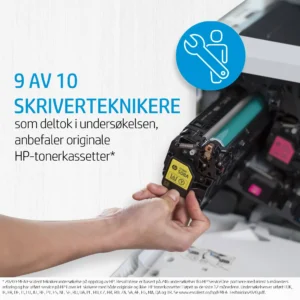
- Original HP Quality: Ensures optimal performance and protects your HP LaserJet printer.
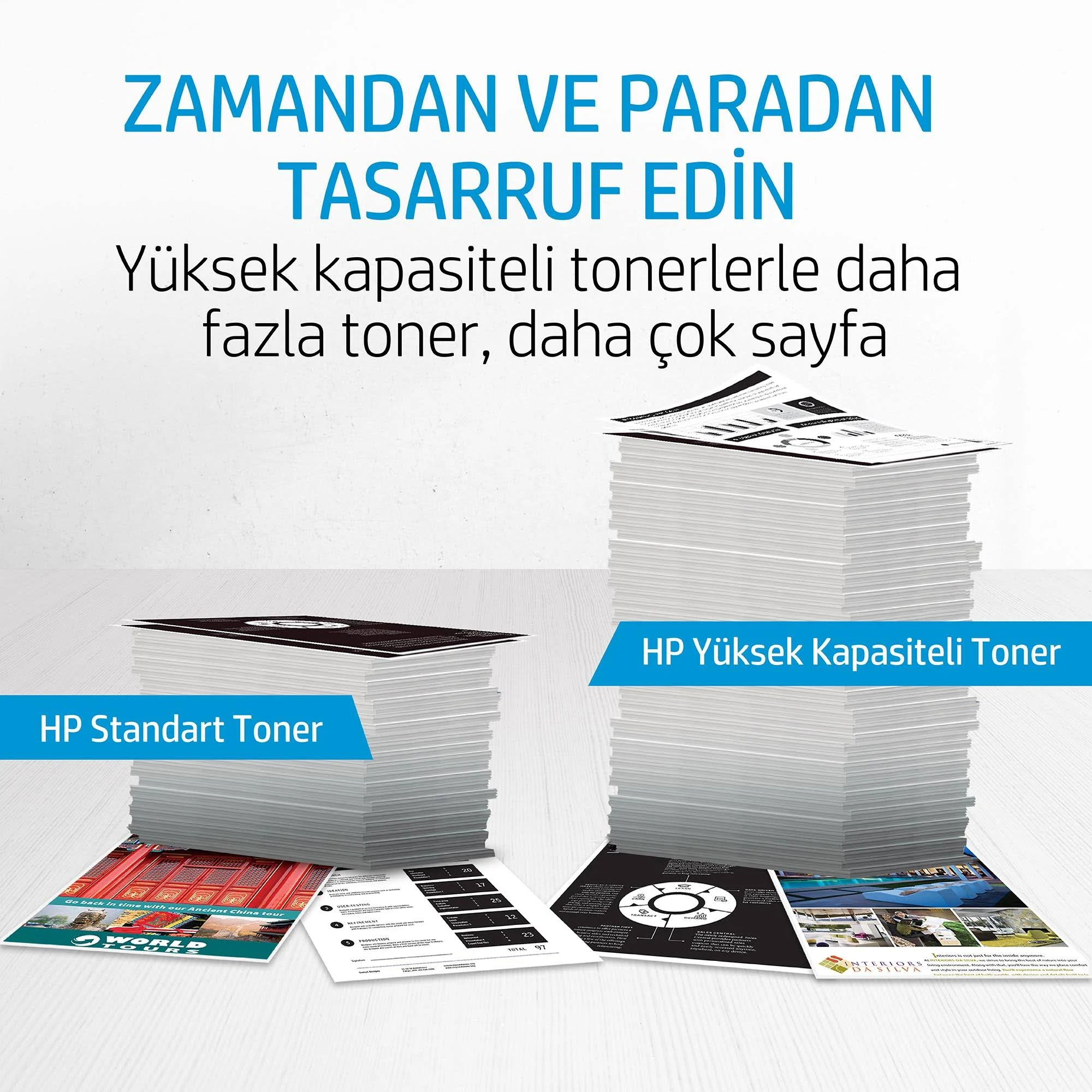
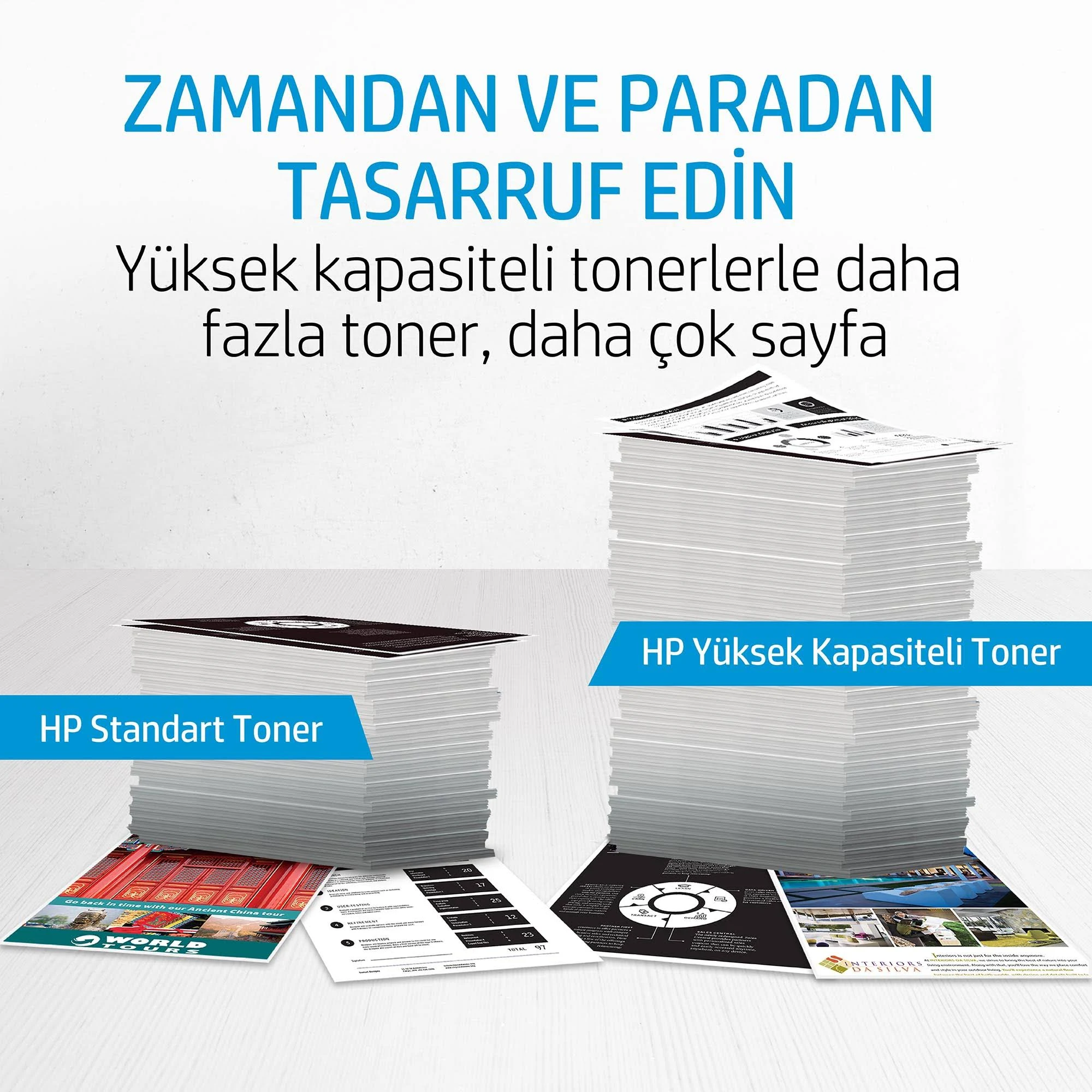
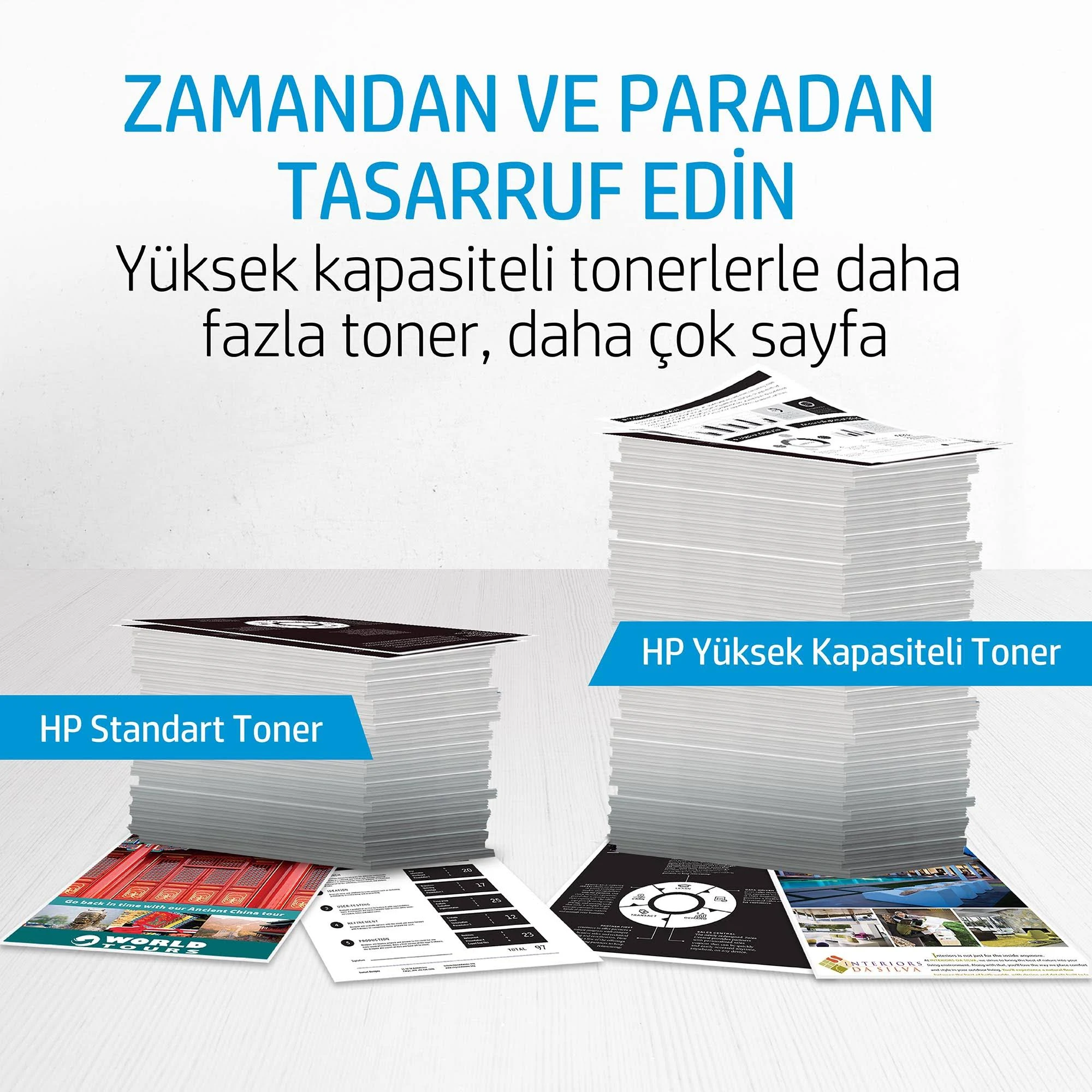
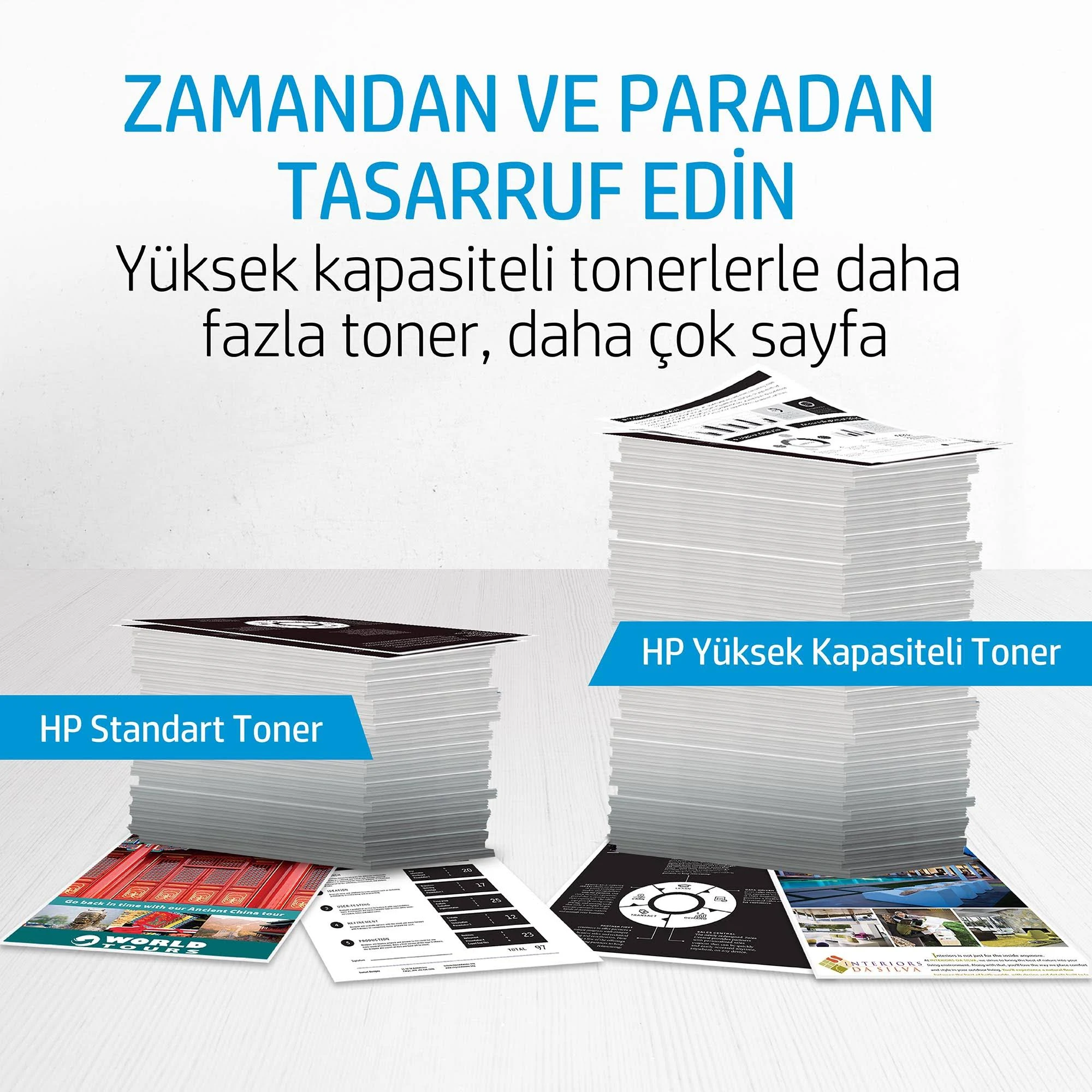
- Page Maximizer Technology: Get the most out of your cartridge with efficient toner use.
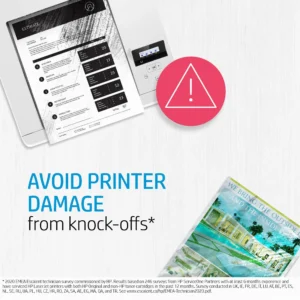
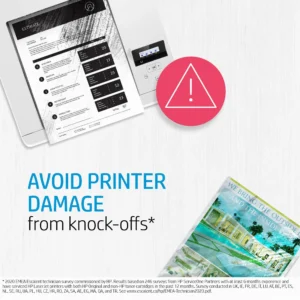
- Anti-Fraud Technology: Helps protect your printer from counterfeit cartridges and maintain print quality.
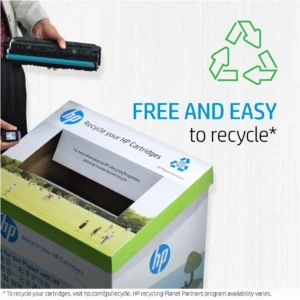
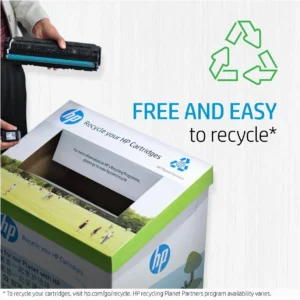
- Easy to Recycle: Reduce waste by recycling your used cartridges through HP Planet Partners.
Technical Specifications:
- Color(s) of printing supplies: Black
- Print technology: Laser
- Page yield (black and white): ~1,150 pages
- Product subgroup: Standard Capacity Toner Cartridges
- What’s in the box: Toner cartridge; Recycling guide
Compatibility:
The HP 136A toner cartridge is compatible with the following HP LaserJet printers:
- HP LaserJet M209dwe Printer
- HP LaserJet M211dw Printer
- HP LaserJet M211d Printer
- HP LaserJet MFP M236sdw Printer
- HP LaserJet MFP M236dw Printer
Warranty & Support:
The HP 136A Black Original LaserJet Toner Cartridge is covered by HP’s standard warranty. For warranty details, please visit the HP website or contact HP support. HP provides various support channels, including online support, phone support, and community forums, to assist with any issues or questions you may have.
How to Use:
- Turn off the printer and open the toner cartridge door.
- Remove the used toner cartridge.
- Unpack the new HP 136A toner cartridge.
- Gently shake the new cartridge from side to side to distribute the toner.
- Remove the protective tape and install the cartridge into the printer.
- Close the toner cartridge door.
- Print a test page to ensure proper installation and print quality.
Experience the quality and reliability of genuine HP toner. Add the HP 136A Black Original LaserJet Toner Cartridge to your cart today and enjoy consistent, professional-quality prints!
Only logged in customers who have purchased this product may leave a review.


Reviews
There are no reviews yet.