


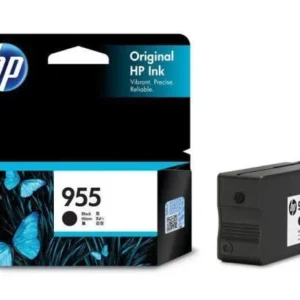
HP 965XL Magenta Ink Cartridge – High Yield, Original
Original price was: $65.84.$47.99Current price is: $47.99.
Get vibrant, high-quality magenta prints with the HP 965XL Original Ink Cartridge. High yield, 1600 pages, for HP OfficeJet Pro 9000 series printers. Order n
62 in stock
Bring your documents and photos to life with the HP 965XL Magenta Original Ink Cartridge. This high-yield cartridge delivers exceptional color and reliable performance, perfect for home and office use. Designed specifically for HP OfficeJet Pro printers, you can expect consistent, high-quality results every time you print.
This cartridge is ideal for anyone who needs to print vivid, long-lasting magenta colored documents and images without frequent replacements.
Best Features:
- High Yield: Print up to 1,600 pages of vibrant magenta content.
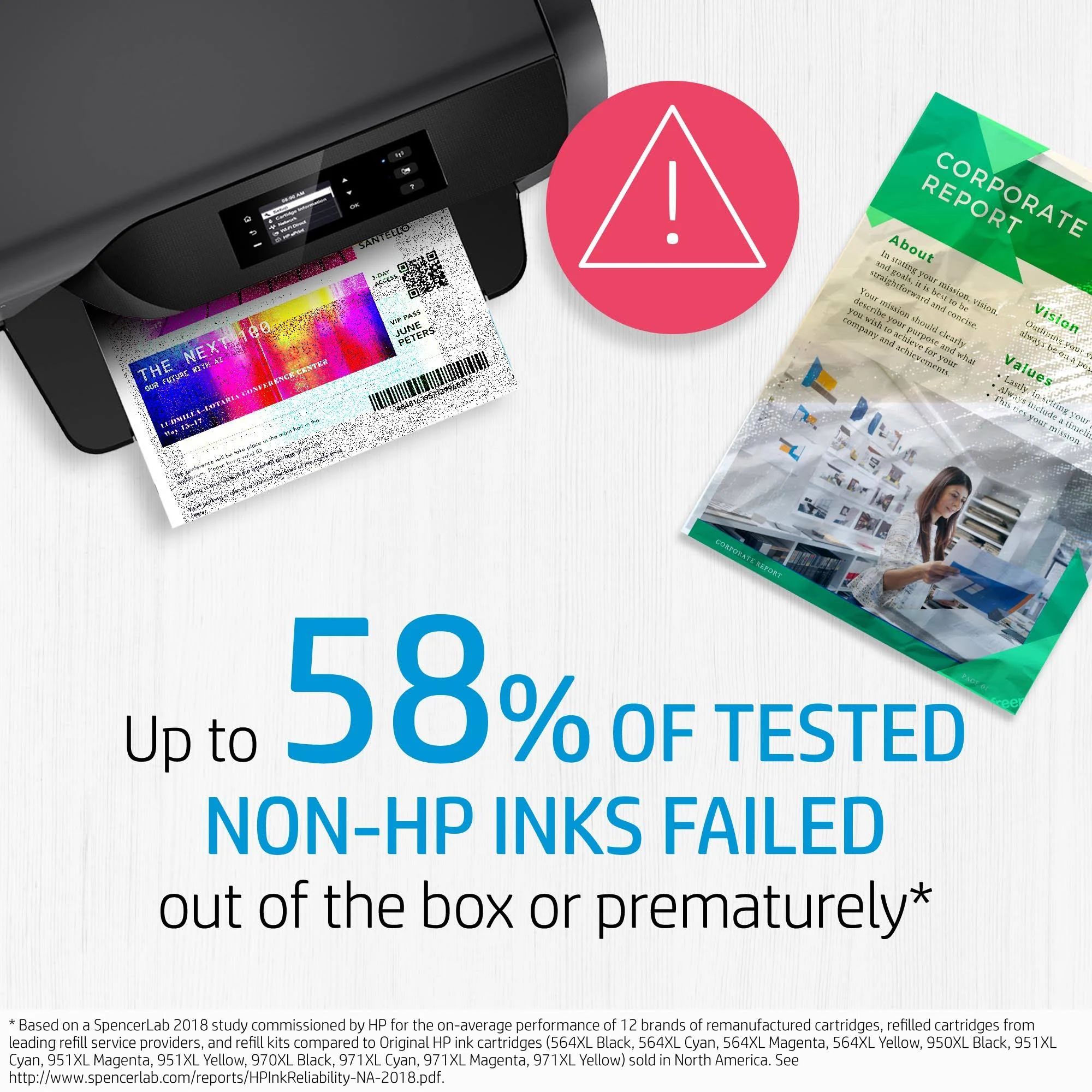
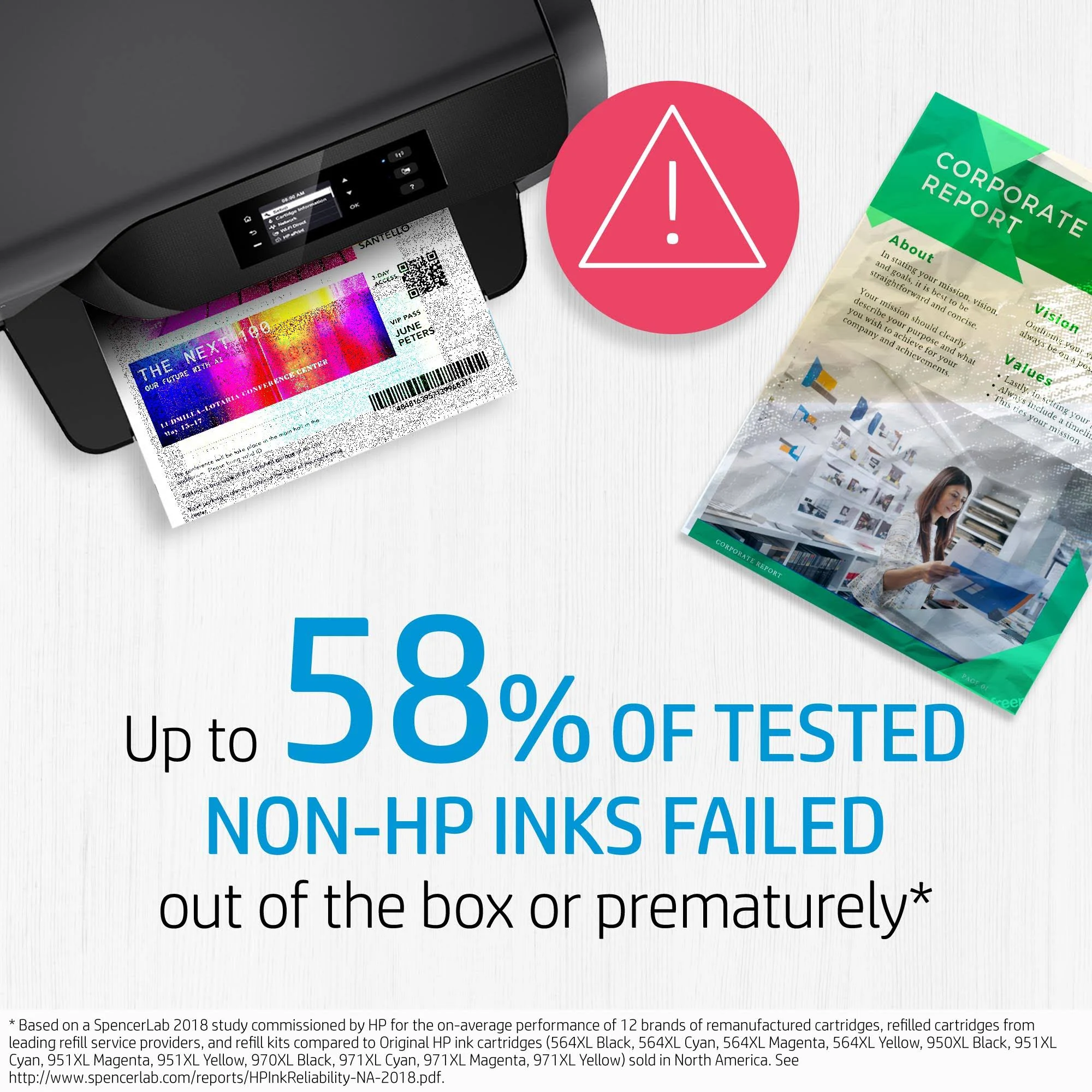
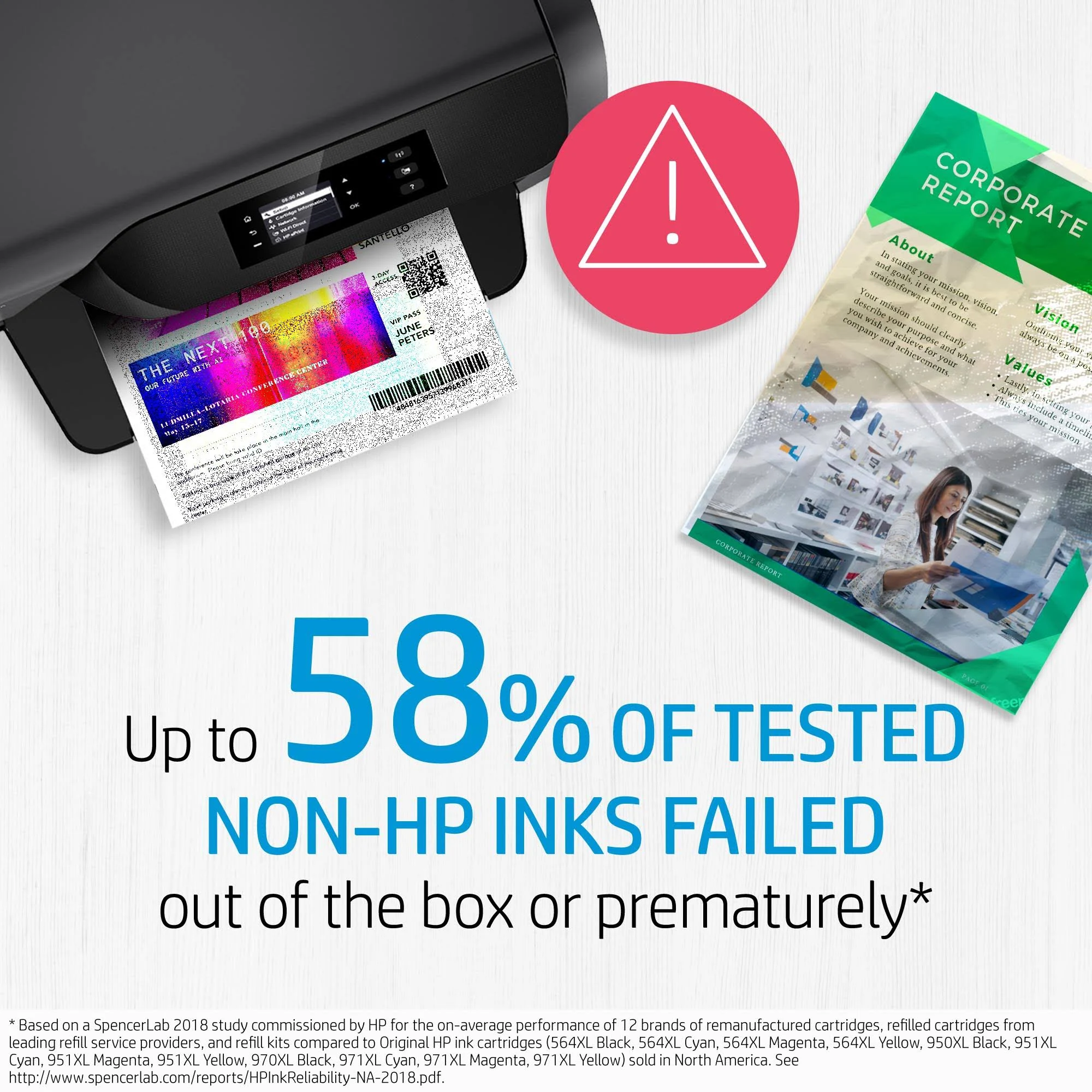
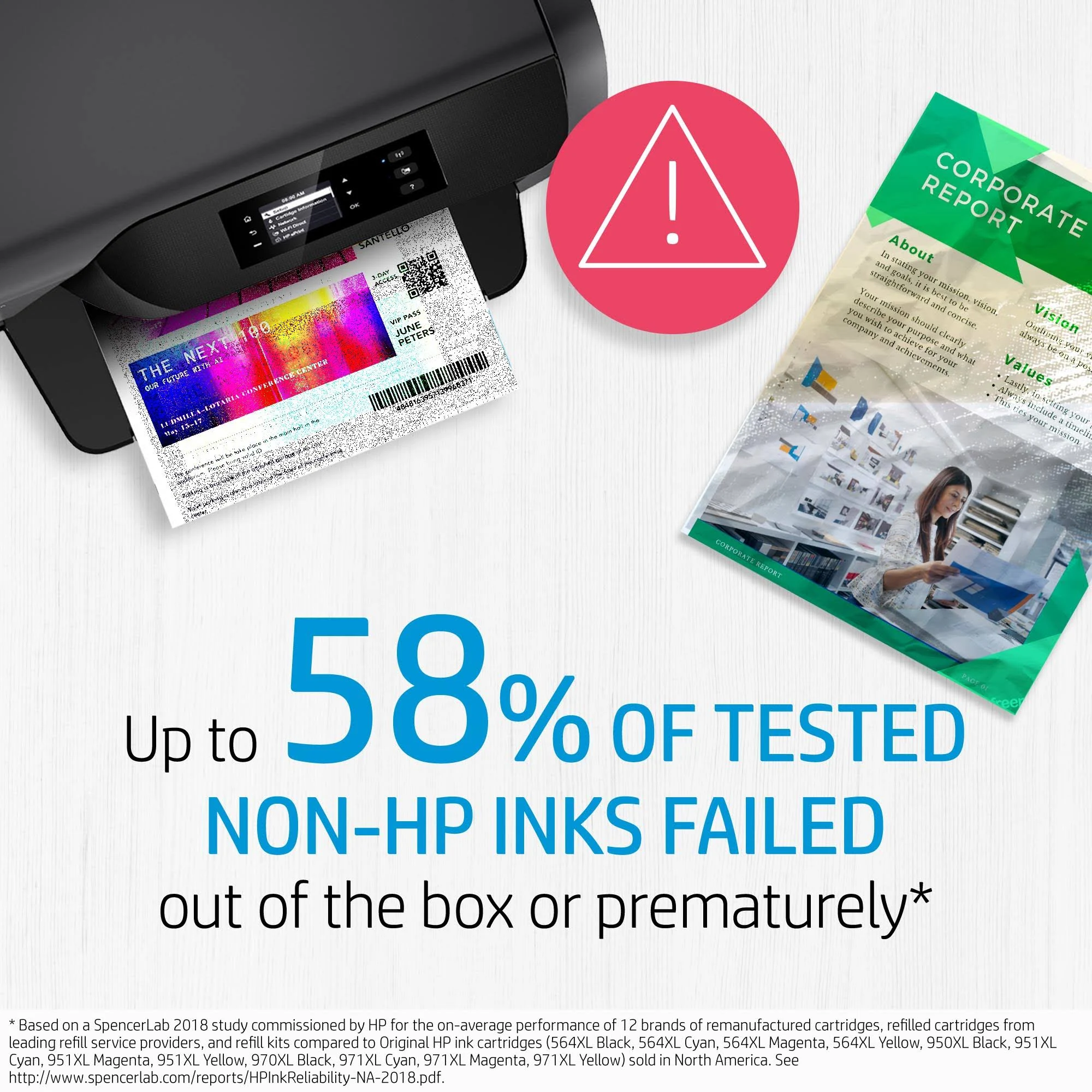
- Original HP Ink: Enjoy consistent quality and reliable performance from the first to the last print.
- Vivid Color: Create stunning photos and documents with rich, accurate magenta hues.
- Smudge-Resistant: Ensure your prints stay crisp and clear, resisting smudging and fading.
- Easy to Install: Quickly and easily replace your old cartridge to minimize downtime.
- Reliable: Get dependable, high-quality results at fast speeds, page after page.
Technical Specifications:
- Color of Printing Supplies: Magenta
- Ink Type: Pigment-based
- Page Yield (approx.): 1,600 pages
- Print Cartridge Volume Delivered: 23.25 ml
- Product Type: High Capacity Ink Cartridges
- Hardware Compatibility: HP OfficeJet Pro 9010 All-in-One Printer series, HP OfficeJet Pro 9020 All-in-One Printer series
- UPC: 193015007475
- Vendor Part Number: 3JA82AA
Warranty & Support:
HP’s ink cartridges and printheads are warranted to be free from defects in materials and workmanship during the period of the warranty. This pertains to the product when used in its designated HP or authorized OEM printing device. HP will, at HP’s option, either refund the purchase price or replace products that prove to be defective. Visit the HP online support website for a list of support phone numbers and conditions or return to your point of purchase.
How to Use:
1. Open the printer’s cartridge access door.
2. Remove the old cartridge.
3. Unpack the new HP 965XL Magenta ink cartridge.
4. Insert the new cartridge into the correct slot until it clicks into place.
5. Close the cartridge access door.
Experience the difference of Original HP ink. Add the HP 965XL Magenta Original Ink Cartridge to your cart today and enjoy vibrant, long-lasting prints!
Only logged in customers who have purchased this product may leave a review.







Reviews
There are no reviews yet.