






HP 955XL Yellow Ink Cartridge – High Yield, Original Quality
Original price was: $68.02.$49.49Current price is: $49.49.
Get vibrant, professional-quality yellow prints with the HP 955XL Original Ink Cartridge. High yield, reliable performance, and easy recycling. Prints up to 1600 pages. For OfficeJet Pro 7700/8000 series.
55 in stock
Get Brilliant Yellow Prints with the HP 955XL Original Ink Cartridge
Looking for a reliable way to produce vibrant, long-lasting yellow prints? The HP 955XL Yellow Original Ink Cartridge is your perfect solution. Designed specifically for HP OfficeJet Pro printers, this high-yield cartridge delivers professional-quality results, page after page. Ideal for home offices, small businesses, and anyone who needs consistent, high-quality color documents.
Best Features:
- High Page Yield: Print up to 1,600 pages , so you replace cartridges less often, saving you time and money.
- Exceptional Print Quality: Get vibrant colors and sharp text with HP’s original pigment-based ink.
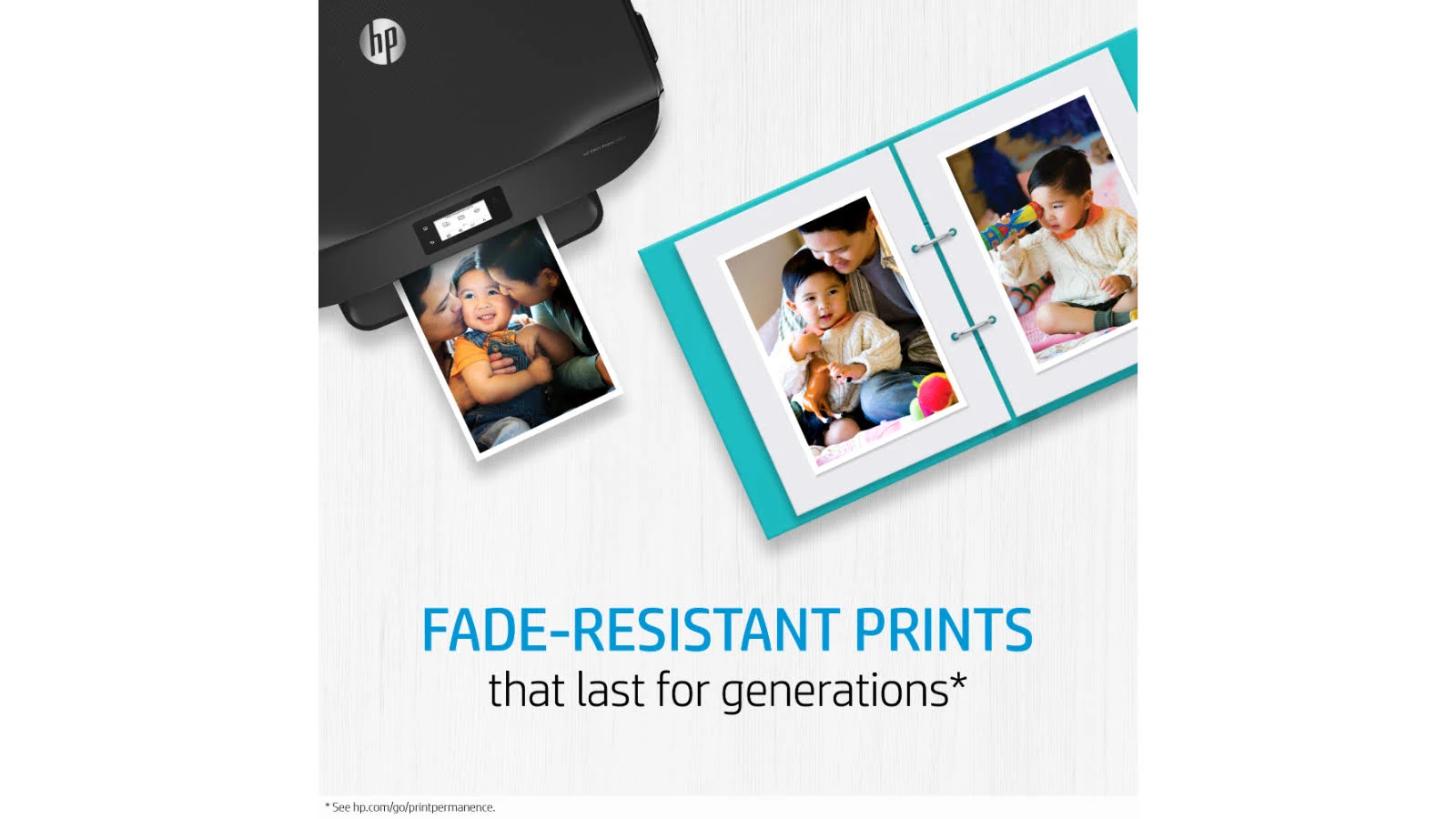
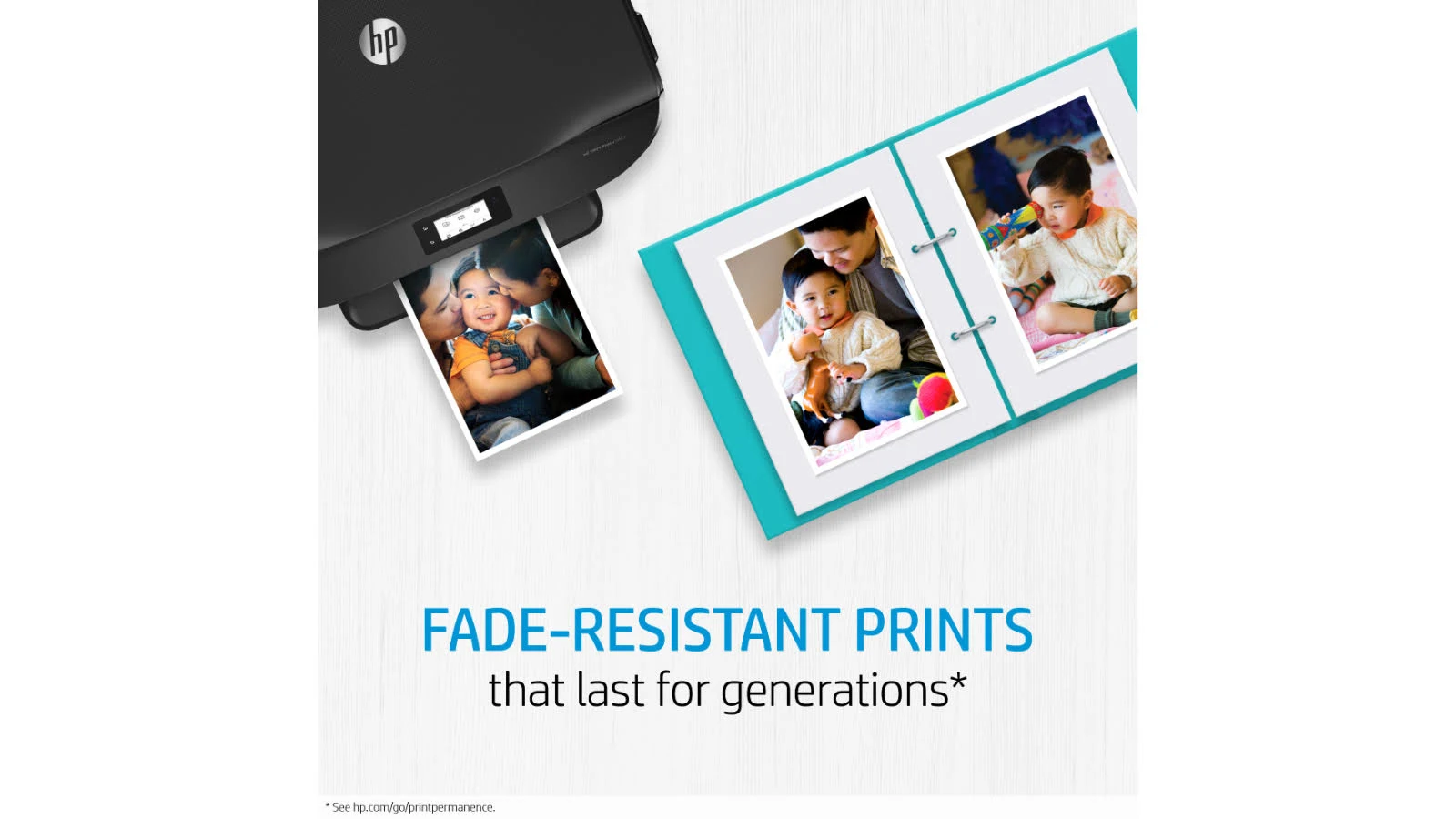
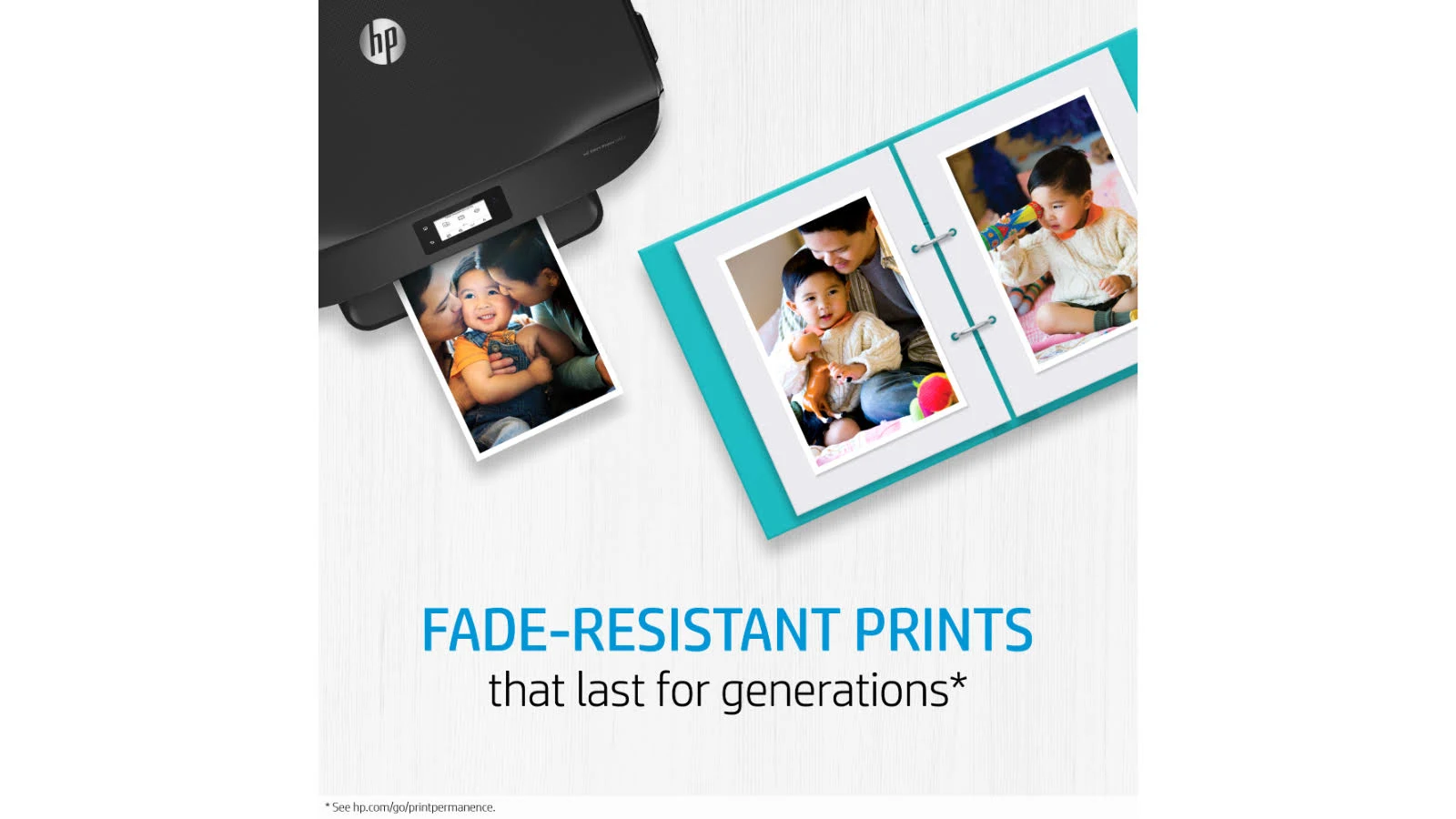
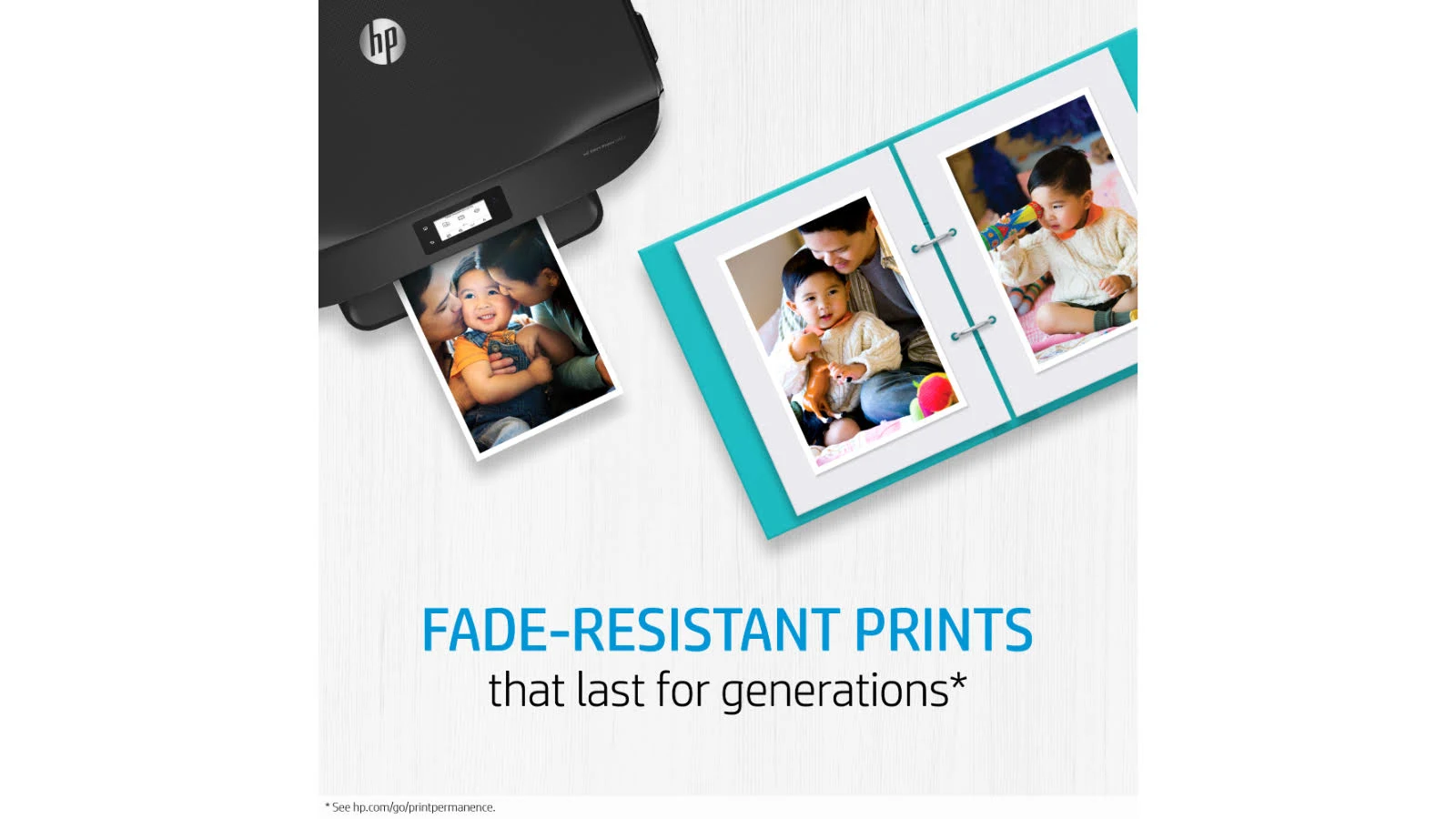
- Smudge & Fade Resistance: Rely on prints that resist water, smearing, and fading over time.
- Reliable Performance: Original HP ink cartridges are designed to work flawlessly with your HP printer, ensuring consistent results.
- Easy Recycling: Participate in HP’s Planet Partners program for easy, free cartridge recycling.
- Individual Cartridges: Replace only the color that runs out, minimizing waste and saving money.
Technical Specifications:
- Color: Yellow
- Ink Type: Pigment-based
- Page Yield: ~1,600 pages
- Ink Drop: 7 pl
- Operating Temperature Range: 5 to 35°C
- Storage Temperature Range: -40 to 60°C
- Storage Humidity: 10 to 90% RH
- Product Dimensions: 114 x 126 x 25 mm
- Package Weight: 0.07 kg
- UPC Code: 889894151384
- Vendor Part Number: L0S69AA
Warranty & Support:
This HP original ink cartridge is covered by a 6-month limited warranty (Return to HP/Dealer). For service options and support channels, please visit the HP support website or contact your local HP dealer.
How to Use:
- Make sure the printer is on.
- Open the cartridge access door.
- Remove the old cartridge.
- Unpack the new HP 955XL Yellow ink cartridge.
- Insert the new cartridge into the correct slot until it clicks into place.
- Close the cartridge access door.
- Print a test page to ensure quality.
Don’t settle for less than the best. Choose the HP 955XL Yellow Original Ink Cartridge for vibrant, reliable, and long-lasting prints. Order yours today and experience the HP difference!
Only logged in customers who have purchased this product may leave a review.





Reviews
There are no reviews yet.